
QR menu for restaurants – digital online menu with no apps
For restaurants, a QR menu lets your customers scan with their phone and see the digital menu instantly.
- Digital menu accessible from any phone
- No-app access for customers
- Price and dish changes without printing
- Online menu with Google visibility
- Better experience for customers and staff


See how our customers' digital menus look
Real examples of digital QR menus created for restaurants, bars, and hotels.
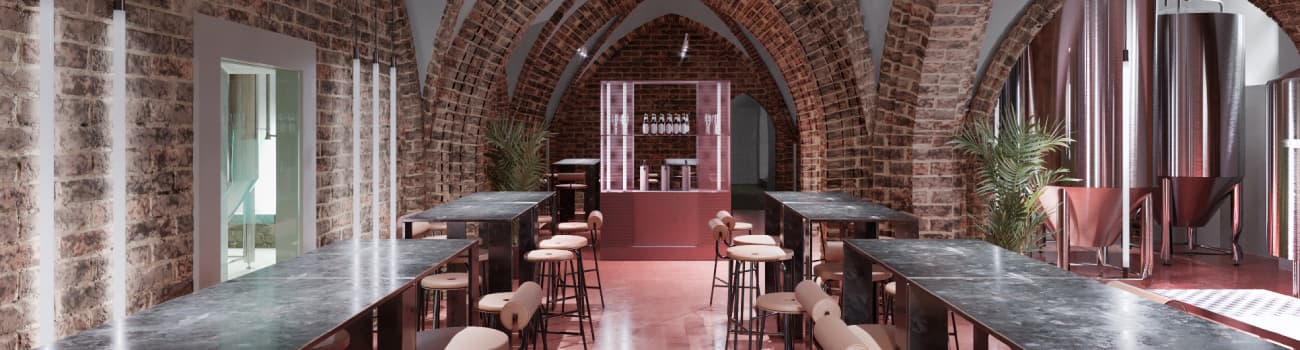
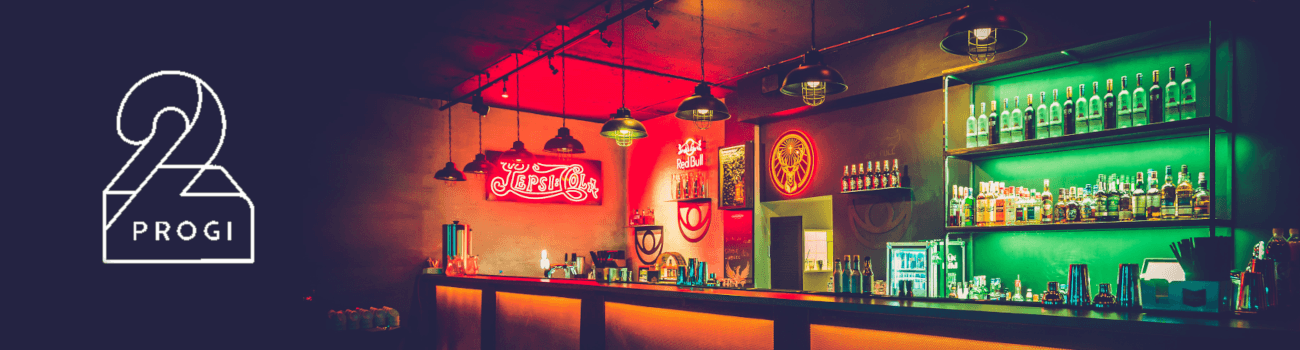
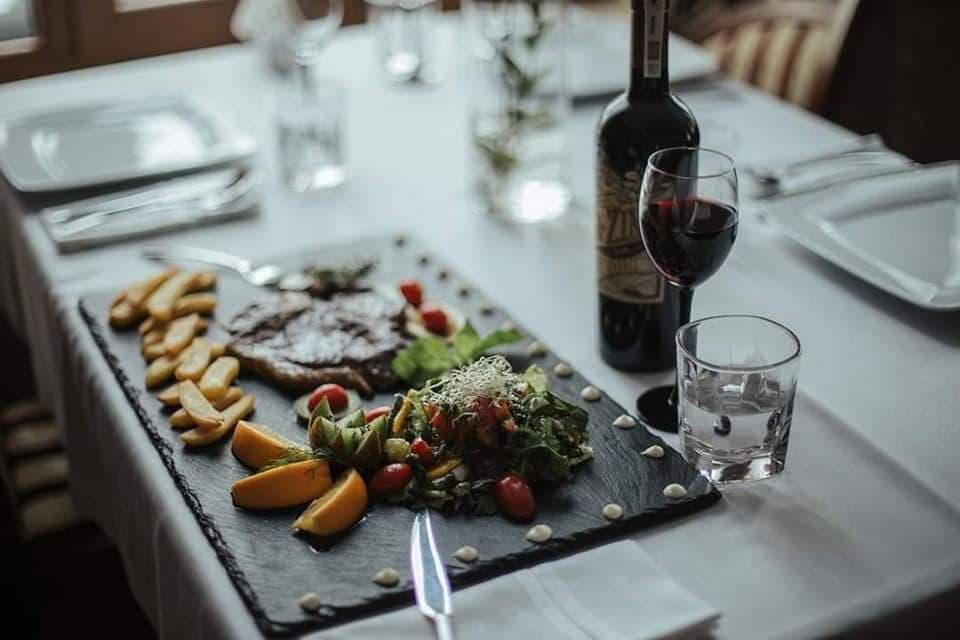
Each QR menu is an online digital menu accessible on mobile.
The customer scans the QR code or opens the link and views the digital menu on their phone, without downloading any app.


Convenience for your customers
Menu always at hand, no waiting!

Comfortable browsing
Clear, fast digital menu on any phone. Information is organized by sections so customers find what they need without wasting time.
No app needed
Customers access the QR menu without installing apps. They just open the link in the browser, which lowers friction and speeds up access.

Menu appearance
Dish photos in the digital menu help customers choose faster. Images make it easier to compare options and understand each dish.

Hygienic
The digital menu replaces paper and improves the customer experience. It avoids sharing physical menus and keeps information clean and up to date.

Language versions
Digital menu in multiple languages for tourists and visitors. It helps customers understand dishes and reduces questions at the table.

Additional information
Allergens and details are visible in the digital menu. Customers can review ingredients and important notes before ordering.
Benefits for your restaurant
Reduce costs and improve the customer experience.
A digital menu with a QR code is a solution for restaurants that reduces costs, improves the customer experience, and makes management easier.
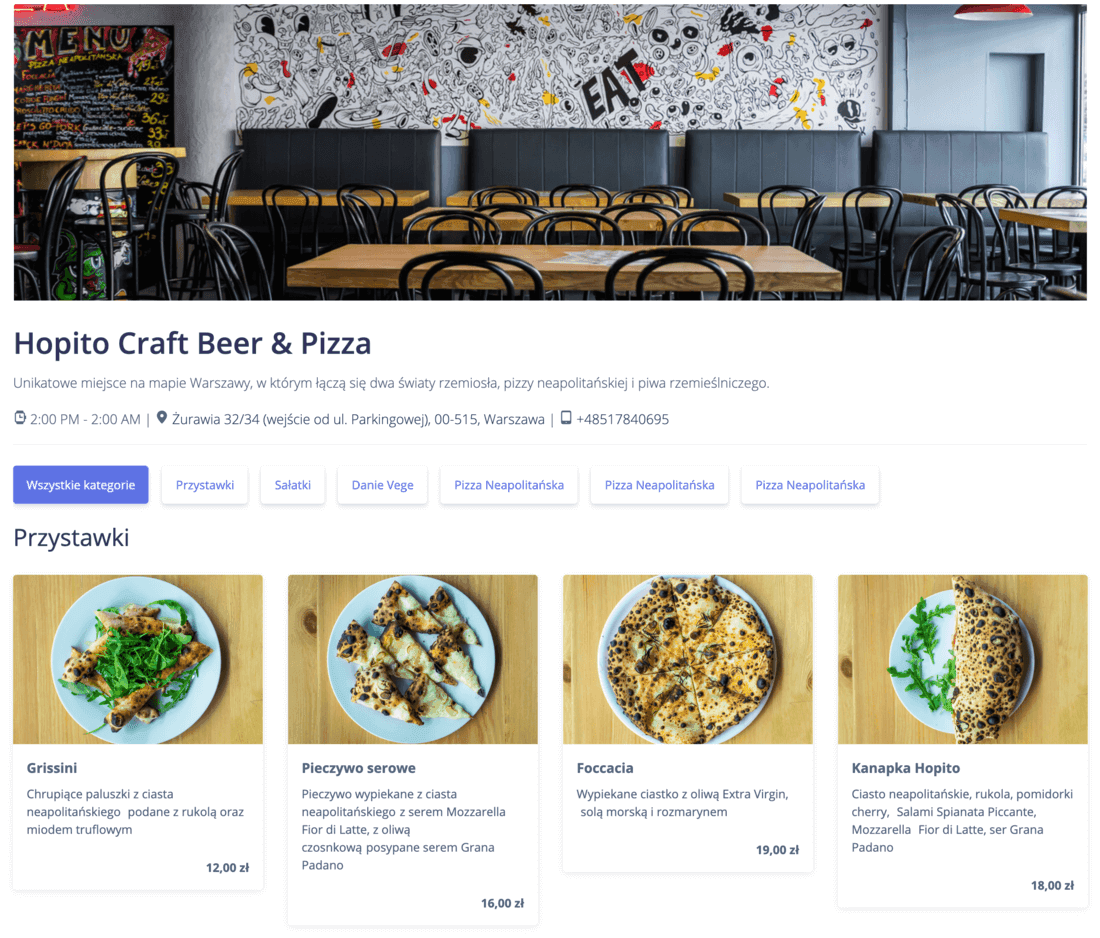
Manage photos, descriptions, and prices from the admin panel. Edit the menu in real time.
No design and printing costs after each change and, at the same time, an additional source of customers thanks to visibility in search engines.
Show only what is currently available. Lunch or seasonal dish? No problem: hide unavailable items with one click and activate them when ready.
In-house IT development is expensive. Building your own site or app costs tens of thousands of EUR. Maintenance adds hundreds per month; with our service you get it in the basic plan.
Pricing
Try it! The first month is completely free!
QR menu plans tailored to restaurants of any size.
BASIC
(digital QR menu)
- Unlimited categories and dishes
- Online editing: photos, text, prices, categories
- 80 language versions of the menu
- QR code to print for tables
- Website with search engine visibility
STANDARD
(+ customization and advertising)
- Everything from BASIC
- Venue logo on the home screen
- Ability to add FB/Google Ads pixel
- Advanced appearance customization
- Website with search engine visibility
PREMIUM
(+ online order management)
- Everything from STANDARD
- Online order management system
- Courier panel
- Customer notifications
- Sales commission: 0%
Simple and convenient service management
We prepared a series of videos that answer possible questions for a quick start.
Learn how to create and manage your QR menu step by step.
QR menu: frequently asked questions
What is a QR menu?
A QR menu is a digital menu accessed on a phone by scanning a code or opening a link. It opens in the browser, with categories and dishes organized for quick reading. Customers browse it like a website and find information without extra steps.
Is the QR menu free?
The first month is free and no credit card is required. After that, the venue chooses the plan that best fits its size and pace. The decision can be made after real daily use.
Does it work without an app?
Yes. Customers open the menu on their phone without installing anything, just like a website. This avoids friction and makes access easier on any device. It also reduces the need for staff explanations.
Can I update prices and items?
Yes. Changes are made in the admin panel and appear instantly. You can adjust availability, descriptions, or prices whenever needed. It is useful for daily menus, seasonal items, or quick adjustments.
Can I use it for multiple restaurants?
Yes, you can manage multiple venues from a single account. Each location can have its own menu and hours without duplicated work. This keeps the brand consistent while allowing local adjustments.
Is it better than a paper menu?
It is more convenient, always up to date, and removes printing costs. It also reduces mistakes when the offer changes often. Customers see the exact version from the panel, without outdated menus in the room.
Support for hospitality. First month free, no credit card required.
Create your own menuComplete guide to QR menus for restaurants
Digitizing the menu for a restaurant
A digital menu helps improve service. It offers quick access from phones and reduces daily paper use. The format is simple and easy to update.
A QR menu supports both the restaurant and its customers. The customer scans the code with a phone and the menu appears immediately, without installing an app. The experience is clear and comfortable.
How an online digital menu works
The restaurant creates its menu in the platform. It can add categories, items, and images. It can also list allergens and details. Everything is visible online.
The QR menu is placed on tables and key points. It can be displayed at the entrance or on social media. Customers can view it from any device. It works well for bars and restaurants.
Benefits for the business
The system allows you to change prices and items every day. It takes seconds and requires no printing. This saves money and operational time and reduces communication errors.
The digital menu brings control and order. The team manages content from a panel, and the platform can show availability by time. This reduces manual work.
Benefits for customers
Customers can access the menu without contact. They can view photos, ingredients, and options. They can also choose from multiple languages. The experience feels more modern.
Key platform features
Our platform provides software to digitize your restaurant. It lets you create menus, upload products, and use codes. You can also customize logo, colors, and style.
- Edit the digital menu at any time.
- Choose menu types and categories.
- Show images, prices, and descriptions.
- Share the menu on social media.
- Easy access from phones and tablets.
Simple comparison: digital menu vs. paper
The digital menu allows instant price changes. A paper menu requires reprinting. The digital version is viewed on phones, while the printed version limits access to a table.
The digital menu shows images, allergens, and details. Paper menus are limited by space. In cost, the digital option avoids recurring expenses; with paper, the cost returns with each change.
Common questions before starting
It is normal to have questions at the beginning. This guide helps explain the solution and how to set it up.
The QR menu can be free at the start. The business chooses a plan based on needs. It can be customized and kept up to date. Control stays direct and complete.
Conditions and support
The service includes clear conditions and technical support. Contact options are available by email. Our platform informs about cookies and privacy. The user can read the legal notice.
Use across multiple locations
You can manage multiple locations from one account. A separate menu can be created for each venue. It can also be adapted by day or time. This improves operations in each business.
How the service works
The process starts by creating the digital menu in the management panel. Categories, dishes, prices, and allergen notes are added, and a unique link is published for the venue.
The venue prints a code and places it on tables, the bar, or the entrance so customers can access it on their phones. Browsing happens in the browser, with no installs or registration. When changes are needed, the manager edits the content and the visible version updates in seconds for everyone.
Hospitality use cases
It works for both extensive menus and simpler offers. Information can be adapted to the time of day without redoing materials.
- Restaurants with full menus and sections by dish type.
- Bars with drinks, tapas, and mixed beverages.
- Cafes with pastries, breakfasts, and takeaway options.
- Daily menus or seasonal dishes that change every day.
Conclusion for restaurants and bars
The QR menu is a modern digital solution. It is easy to use and maintain. The digital menu improves customer service and adds online visibility without extra effort.