
Support for hospitality.
QR menu for restaurants – digital online menu with no apps
Start with the menu on your guest's phone: it is live in under an hour, with no designer, printer or developer. When the venue needs more, the same panel takes bookings and orders, and your supplier invoices tell you what each dish earns.



WMenu runs what happens between the guest and the kitchen: the menu on the phone with its allergens, bookings, orders and the cost of every dish. Your till and your accountant stay as they are, so nothing has to be replaced to start.
WMenu works next to the till you already have. Poster POS connects to the menu and takes orders straight to the till, and a menu from any other till moves over today from a PDF or a screenshot. Poster POS integration →
7 tools, one account
You start with the QR menu, on the Free plan too. Everything else is a plan change in the panel, with no contract.
A QR menu you change in seconds
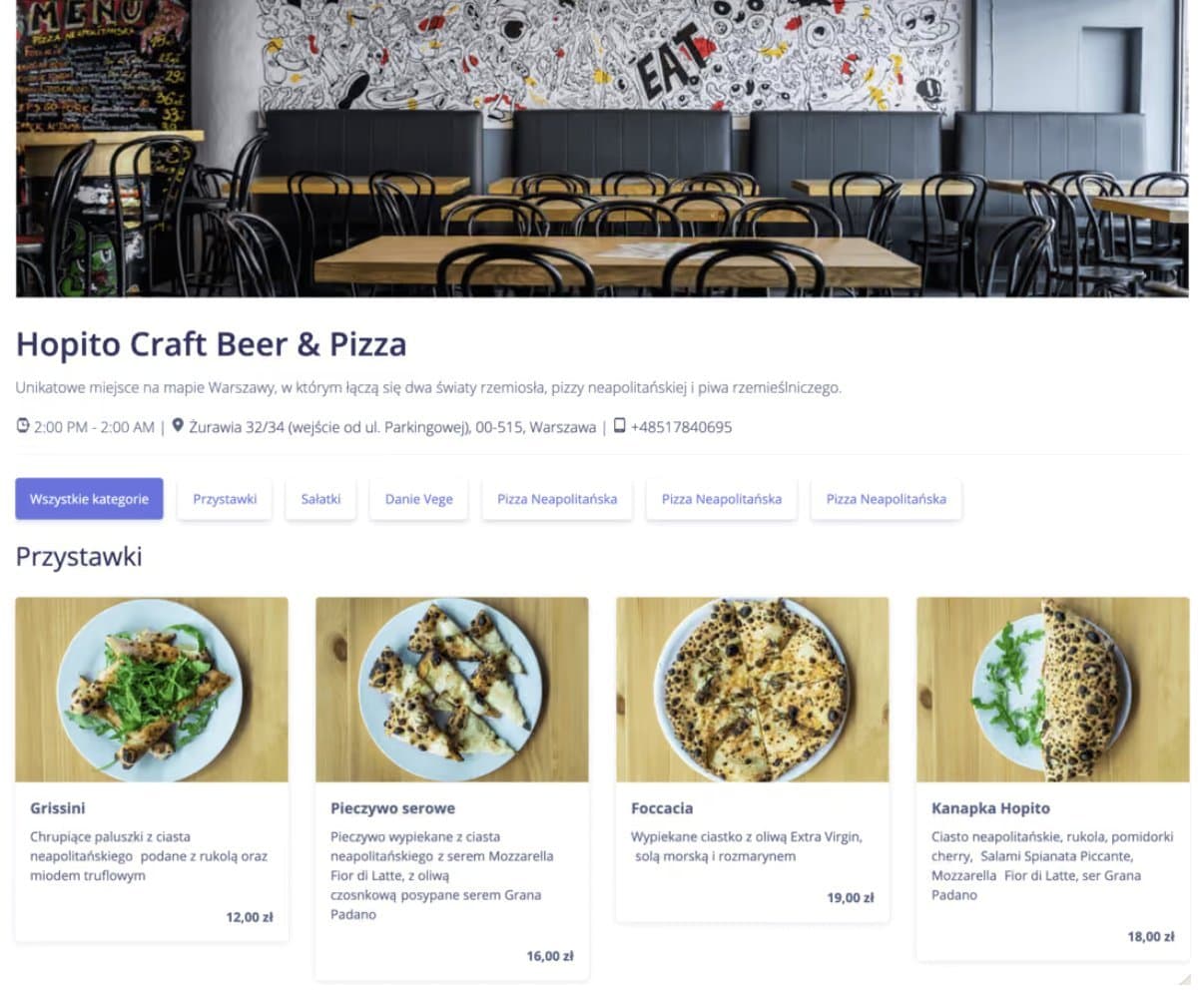
The guest scans the code on the table and reads the menu on their phone, with nothing to download. Every dish carries a photo, a description, sizes and the 14 allergens EU law requires, and AI translates the whole menu into 80+ languages in one click. If your menu is a PDF or a photo, AI turns it into dishes and prices for you.
The Free plan gives you unlimited dishes, your language plus one more, up to 20 photos and one import from a PDF or photo.
 Comfortable browsing
Clear, fast digital menu on any phone.
 No app needed
Customers access the QR menu without installing apps.
 Menu appearance
Dish photos in the digital menu help customers choose faster.
 Hygienic
The digital menu replaces paper and improves the customer experience.
 Language versions
Digital menu in multiple languages for tourists and visitors.
 Allergens & dish details
Ingredients, allergens and variants on every item — compliant with Regulation (EU) 1169/2011.

Neapolitan dough, rocket, cherry tomatoes, spicy salami, fior di latte mozzarella, Grana Padano.
- Update the digital menu in seconds
Manage photos, descriptions, and prices from the admin panel. Edit the menu in real time.
- No design or printing per change
You stop paying for design and printing every time a price or a dish changes.
Table and online orders with 0% commission
Orders from the table by QR code, for pickup and for delivery land in one panel, and the driver's panel comes with the plan.
What you sell stays with the venue: you pay a fixed monthly fee, not a share of every order.
WMenu takes no commission. When a guest pays by card online, only the payment operator (Stripe) charges its per-transaction fee; an order paid in cash costs nothing.
- Only available dishes
Show only what is currently available. Lunch or seasonal dish? No problem: hide unavailable items in the panel and bring them back when ready.
- Ratings after the order
Guests rate their order from 1 to 5 stars and can leave a comment. You read the ratings in the panel.
- Accepted
- Ready
- Served
A venue website with no developer and no hosting
Menu with photos and prices, address, opening hours, phone and map on one page. It answers what guests check before they come, and Google finds it.
You fill it from the same panel as the menu: a new dish or holiday hours show on the site straight away. Put the link on your Google Business Profile and Instagram.
- SEO built in
The page title carries the venue's name and address, and Google gets the restaurant data: the menu with dishes and prices and the opening hours. The page is in the sitemap, and every menu language has its own address.
- Restaurant website included
In-house IT development is expensive. Building your own site or app costs tens of thousands of EUR. Maintenance adds hundreds per month; with our service you get it in the basic plan.
What every dish earns you
Ingredient prices come from your invoices: take a photo or upload the PDF and AI reads products and prices. The recipe works out the cost of a portion, trim and cooking loss included.
When a supplier puts up the price of salmon or olive oil, you see which dishes went over your target food cost. The new price reaches the QR menu with one button.
Where guests come to your menu from
Each QR code can carry its own tag: table 3, the window, a flyer. The panel shows how many views each one brought, how many came from a link and how many from search, which language the menu is read in and on which device.
Add your Meta pixel and Google tag in the panel, and show an ad again to people who looked at the menu but did not come.
 54%
54% 18%
18% 16%
16% 12%
12%Bookings and events with no per-booking fee
Guests book a table from the menu: day, time and party size. Their card is held as a guarantee and charged only for a no-show or a late cancellation.
A tasting night or New Year's Eve dinner sells with prepayment through Stripe. The booking itself costs you €0, however many tables you have.
Guests who come back
Every order placed with the guest's account goes on their card: how often they order, what they spend and what they pick most. They collect points by the rule you set, say 1 point per euro, and see their balance in the menu.
The panel writes to them after the first order, on their birthday or when they have not been in for weeks, and only if they agreed to e-mails. It does not send bulk newsletters.
See how our customers' digital menus look
Real examples of digital QR menus created for restaurants, bars, and hotels.
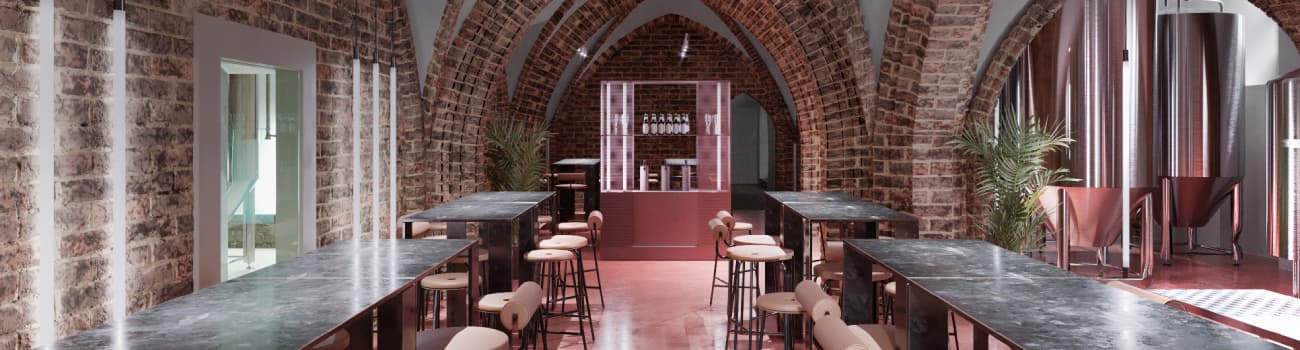
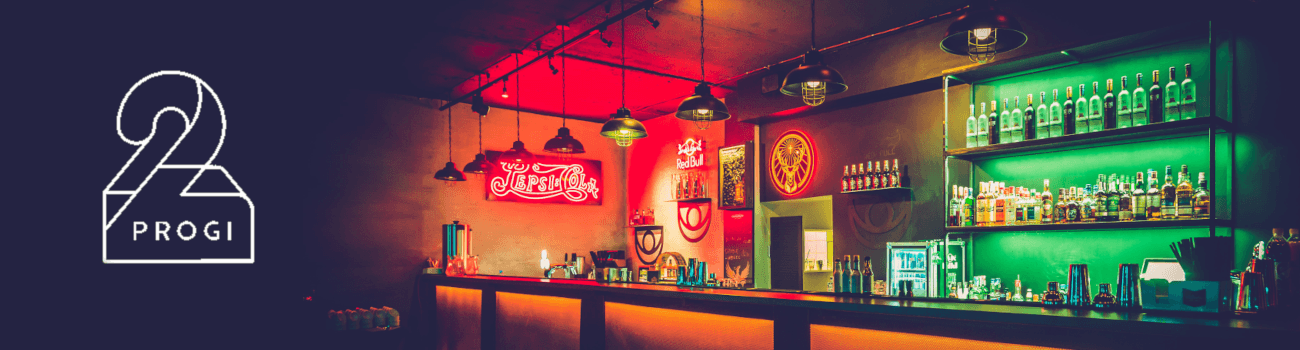
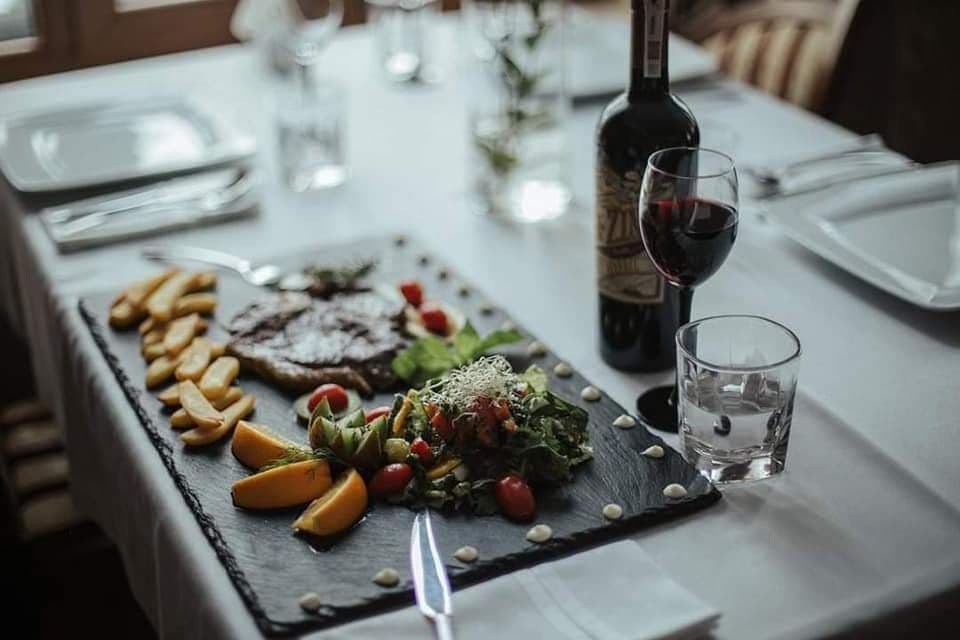
Each QR menu is an online digital menu accessible on mobile.
Your QR menu in 3 steps
Create the account
Sign-up takes 2 minutes and asks for no card.
Add your menu
Type it in the panel or upload a PDF or a photo: AI turns it into dishes and prices.
Print the QR code
Download the code and put it on the tables. From then on, guests can read the menu.
Need help or have a question?
Book a free demo
Rather see it before you sign up? Leave your phone number: we show you the panel live, answer your questions and help you move your menu over. No commitment.
Try the Standard plan free for 30 days
QR menu plans tailored to restaurants of any size.
Free for good: your menu with allergens
One menu with unlimited dishes, the 14 allergens marked on every dish, your language plus one more, up to 20 dish photos. No card needed.
(digital QR menu)
- Unlimited categories and dishes
- Online editing: photos, descriptions, prices, variants
- Menu in 80 languages, translated in one click
(+ customization and advertising)
- Everything from BASIC
- Venue logo in the menu
- Brand colours: headings, categories, buttons
(+ bookings and events)
- Everything from STANDARD
- Table bookings and the door queue from the menu
- Card guarantee, charged only for a no-show
(+ online order management)
- Everything from PRO
- Table orders, delivery and pickup
- Card payment online or cash, 0% commission
The 30 days of Standard need no card. If you do not pick a plan afterwards, the venue moves to Free and the menu stays online. Every plan is a fixed monthly fee with no commission on sales, and paying yearly makes it 20% cheaper.
FAQ
QR menu: frequently asked questions
What is a QR menu?
A QR menu is a digital menu accessed on a phone by scanning a code or opening a link. It opens in the browser, with categories and dishes organized for quick reading. Customers browse it like a website and find information without extra steps.
Is the QR menu free?
The first 30 days of Standard are free and no credit card is required. After that, the venue chooses the plan that best fits its size and pace. The decision can be made after real daily use.
Does it work without an app?
Yes. Customers open the menu on their phone without installing anything, just like a website. This avoids friction and makes access easier on any device. It also reduces the need for staff explanations.
Can I update prices and items?
Yes. Changes are made in the admin panel and appear instantly. You can adjust availability, descriptions, or prices whenever needed. It is useful for daily menus, seasonal items, or quick adjustments.
Can I use it for multiple restaurants?
Yes, you can manage multiple venues from a single account. Each location can have its own menu and hours without duplicated work. This keeps the brand consistent while allowing local adjustments.
Is it better than a paper menu?
It is more convenient, always up to date, and removes printing costs. It also reduces mistakes when the offer changes often. Customers see the exact version from the panel, without outdated menus in the room.
Blog
Latest from the blog
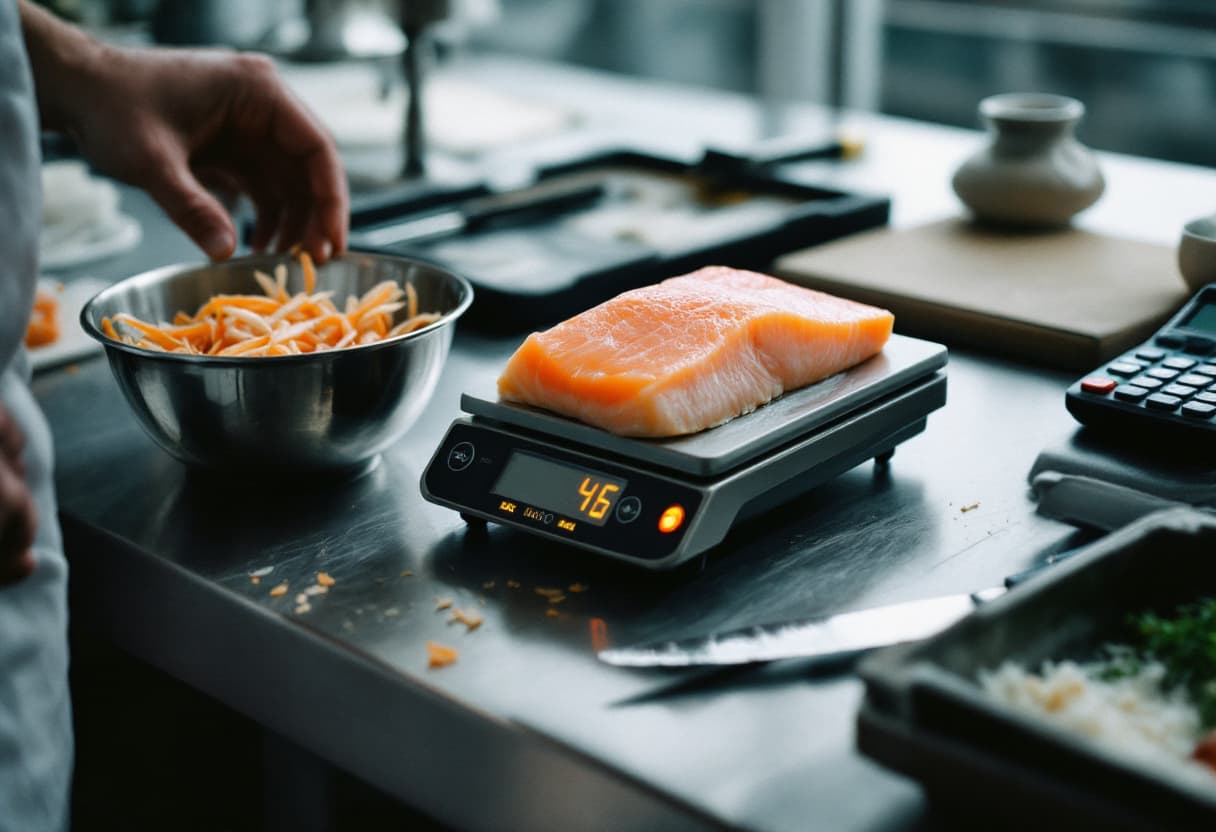
Portion control in a restaurant kitchen: specs, tools and where the money leaks
Portion control starts with a written spec and ends at the scale. Which items to police first, the tools for each job and a worked example of 20 g of cod in euro.
Read more →
Restaurant profit margin: what is left after food, labour and rent
Gross, operating and net margin on one four-week P&L in euro, UK gross profit (GP) worked in pounds, the commonly cited ranges and which lever moves the margin most.
Read more →How to calculate food cost per dish: recipe card, yield and menu price
The food cost formula, a recipe card with trim yield, a worked example in euro, target percentages by venue type and how to turn a plate cost into a menu price.
Read more →Complete guide to QR menus for restaurants
Digitizing the menu for a restaurant
A digital menu helps improve service. It offers quick access from phones and reduces daily paper use. The format is simple and easy to update.
A QR menu supports both the restaurant and its customers. The customer scans the code with a phone and the menu appears immediately, without installing an app. The experience is clear and comfortable.
How an online digital menu works
The restaurant creates its menu in the platform. It can add categories, items, and images. It can also list allergens and details. Everything is visible online.
The QR menu is placed on tables and key points. It can be displayed at the entrance or on social media. Customers can view it from any device. It works well for bars and restaurants.
Benefits for the business
The system allows you to change prices and items every day. It takes seconds and requires no printing. This saves money and operational time and reduces communication errors.
The digital menu brings control and order. The team manages content from a panel, and the platform can show availability by time. This reduces manual work.
Benefits for customers
Customers can access the menu without contact. They can view photos, ingredients, and options. They can also choose from multiple languages. The experience feels more modern.
Key platform features
Our platform provides software to digitize your restaurant. It lets you create menus, upload products, and use codes. You can also customize logo, colors, and style.
- Edit the digital menu at any time.
- Choose menu types and categories.
- Show images, prices, and descriptions.
- Share the menu on social media.
- Easy access from phones and tablets.
Simple comparison: digital menu vs. paper
The digital menu allows instant price changes. A paper menu requires reprinting. The digital version is viewed on phones, while the printed version limits access to a table.
The digital menu shows images, allergens, and details. Paper menus are limited by space. In cost, the digital option avoids recurring expenses; with paper, the cost returns with each change.
Common questions before starting
It is normal to have questions at the beginning. This guide helps explain the solution and how to set it up.
The QR menu can be free at the start. The business chooses a plan based on needs. It can be customized and kept up to date. Control stays direct and complete.
Conditions and support
The service includes clear conditions and technical support. Contact options are available by email. Our platform informs about cookies and privacy. The user can read the legal notice.
Use across multiple locations
You can manage multiple locations from one account. A separate menu can be created for each venue. It can also be adapted by day or time. This improves operations in each business.
How the service works
The process starts by creating the digital menu in the management panel. Categories, dishes, prices, and allergen notes are added, and a unique link is published for the venue.
The venue prints a code and places it on tables, the bar, or the entrance so customers can access it on their phones. Browsing happens in the browser, with no installs or registration. When changes are needed, the manager edits the content and the visible version updates in seconds for everyone.
Hospitality use cases
It works for both extensive menus and simpler offers. Information can be updated during the day, without redoing materials.
- Restaurants with full menus and sections by dish type.
- Bars with drinks, tapas, and mixed beverages.
- Cafes with pastries, breakfasts, and takeaway options.
- Daily menus or seasonal dishes that change every day.
Conclusion for restaurants and bars
The QR menu is a modern digital solution. It is easy to use and maintain. The digital menu improves customer service and adds online visibility without extra effort.