
QR menu for a bar and pub
A bar's list changes faster than any other: craft beer rotation, new cocktails, happy hours and alcohol prices that shift with every delivery. WMenu lets you handle it all from the panel in seconds — with no new card printed every week.
A drinks list with photos in the guest's phone — with no app and a language switcher for tourists.

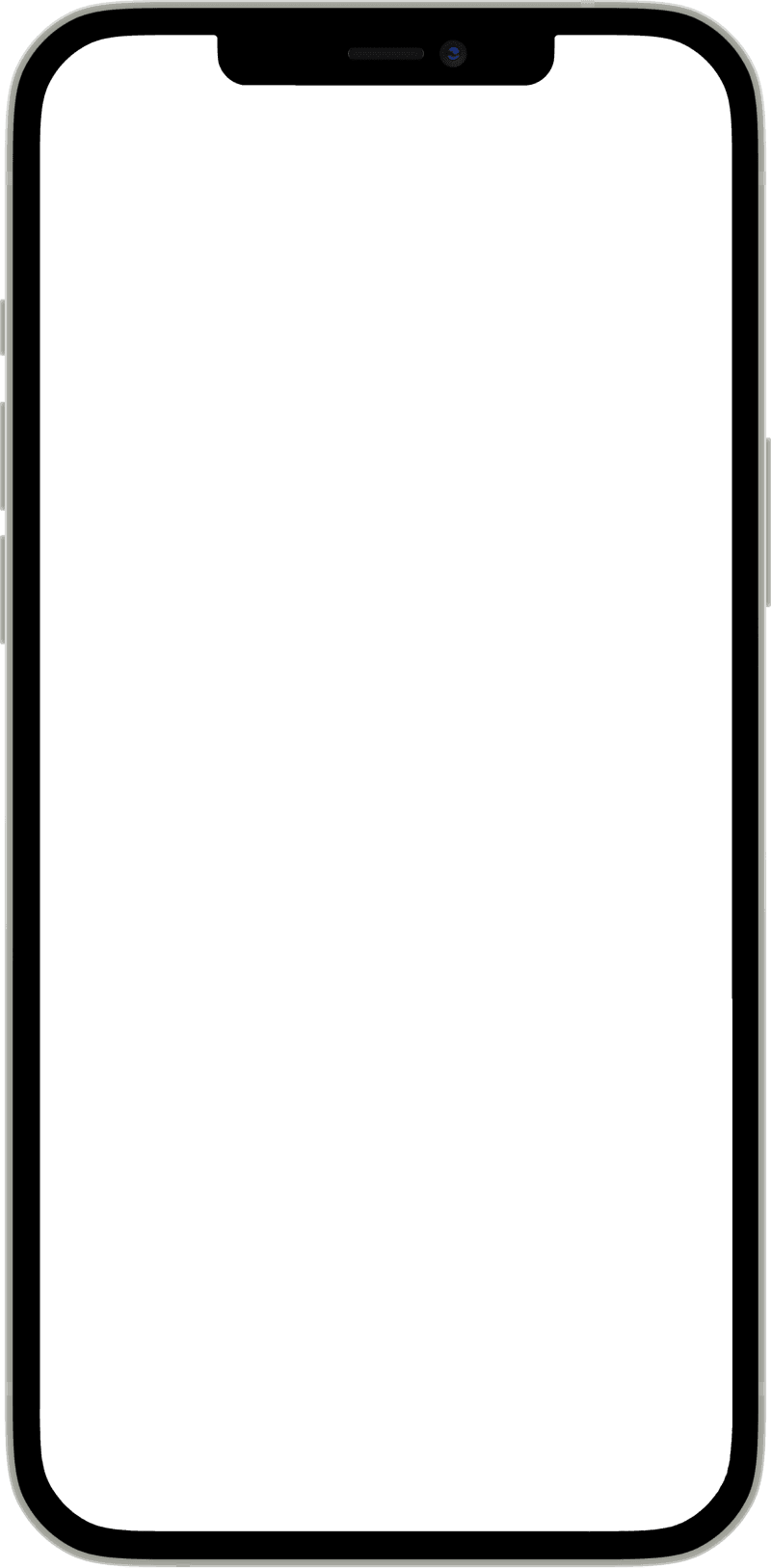
How the guest sees a bar menu
A pint or a half with its price, the craft IPA that went on this week at the top, and loaded fries as a half or a full portion. It reads well on a phone even when the bar is dark.
- You switch happy hour on
Turn the section on at 5 pm and off at 7 pm from your phone, with no table cards.
- The tap changes every week
The new beer is in the panel before the first guest asks about it.
- Readable in low light
The guest zooms the menu on their screen instead of lighting up a paper card with a torch.
- House lager
On draught, served cold.
GlutenSize - Craft IPA€6.50
Citrusy, 6.2% ABV. New keg this week.
New kegGluten - Loaded fries
Cheddar, jalapeños and sour cream.
MilkSizeExtras
The behind-the-bar routine you know
Alcohol prices shift with deliveries
Craft rotates faster than print
A cocktail with no photo doesn't sell
Loud, dark, crowded
A typical bar week — with a QR menu and without
new prices in the panel in 5 minutes
stickers or selling at old prices
you swap the item on the spot
a chalkboard next to an outdated card
“5–7 pm” stands in the section name
flyers on the tables all day
reads the ingredients and sees a photo on the item
the bartender explains over loud music
they switch the card to their language
they order “beer, please”
you add a section for one evening
printing single-use materials
What a QR menu changes in a bar's work
- Change alcohol prices in seconds — no stickers and no reprint
- Tap-beer and infusion rotation updated on the fly
- Cocktails with photos and ingredients — guests order more boldly
- Happy hours with the hours in the section name
- A list in 80+ languages for tourists on a city break
- The guest scans the code at the table — no waiting for a card
How it works in a bar
- 01
Create the bar account
Add the name, address, hours and logo. Registration takes 2 minutes, with no credit card.
- 02
Build the drinks list
Split the list into sections: beers, cocktails, wines, spirits, snacks. Add photos and cocktail ingredients.
- 03
Put a QR code on the tables and bar
Download the QR code, place it on the tables, bar and garden — guests browse the list from their phone.
A drinks list that works in the evening
A bar earns in the hours when staff physically can't keep up with cards: a Friday night, full tables, loud music. A QR menu takes handing out cards and reciting ingredients off the bartenders — the guest scans the code at the table and browses the offer at their own pace, with photos and descriptions.
Read moreClose
It also changes how people order: instead of “two beers, please”, the guest sees the whole shelf — craft on tap, signature cocktails, infusions — and more often reaches for higher-margin items they'd never have heard about with a paper card.
Beer rotation and seasonal items with no printing
If you run a multitap, you know the rhythm: a keg goes in two days, a new one comes in — and the card lies again. In WMenu you change the item in the panel the moment you tap the keg, and guests at the tables see straight away what's really flowing from the taps.
Read moreClose
Seasonality works the same way: you add summer Aperols and lemonades in June, mulled wine in November — in the panel, no inserts or reprints. Items that are temporarily out you hide instead of crossing out.
Happy hours and promos for specific times
A “two cocktails for the price of one, 5–7 pm” promo on a paper card hangs all day and confuses guests. In a digital card the hours go into the section name — “Happy hours · 5–7 pm” — so guests read the terms before ordering and nobody explains them at the bill. The card doesn't switch sections by the clock: if the promo must vanish at 7, someone marks its items unavailable. Theme nights, guest kegs or tastings you add as a separate section for one evening.
Tourists order more boldly in their own language
City-center bars live off tourists — and a tourist who doesn't understand the card ends up with “beer, please”. With a language switcher in the menu (over 80 versions), a guest from Spain or Norway reads the cocktail's ingredients in their own language and orders like a regular. More on the multilingual menu page.
How much a QR menu for a bar costs
The free plan has no expiry date and covers a list with no item limit, a QR code, a bar page on Google, one language and up to 20 photos. A bar full of tourists outgrows it on languages. The first paid plan, BASIC, lifts the language and photo limits. The first 30 days of Standard are free, with no credit card — details in the pricing.
Details bars ask about
Sections: beers, cocktails, wines, snacks
A bar list splits into sections like a physical card — only clearer. Tap beers separate from bottled, signature cocktails separate from classics, plus wines, spirits and beer snacks. The guest reaches their section in two taps.
Variants: pint or glass, 40 ml or 700
One item can have several price variants: a 0.3 l and 0.5 l beer, whisky by the glass and the bottle, a cocktail in a non-alcoholic version. You set variants on the item — with no duplicate entries and no questions to staff.
A bar list visible on Google
Guests planning an evening check the list and prices before they leave home. Your list works as a website visible on Google and linked to social media — a bar with a current online list beats one whose offer can't be seen.
Garden and terrace with no running around
One QR code works everywhere: in the room, at the bar and in the garden. In summer, when outdoor tables multiply, guests browse the list themselves — and staff come over just to take the order.
What else a bar can use
The same account, other tools: switch them on with a plan change in the panel.
Bookings and a waitlist
Tables for the match or Friday dinner, and a waitlist at the door from the same QR code.
Online reservationsEvents with prepayment
A tasting night or a gig with tickets paid at booking; you know how many places are left.
Online reservationsThe menu in the guest's language
Visitors open your bar food in Spanish, French or German without you translating a line.
Multilingual menuSee a real bar's list
The 2 progi bar runs its list in WMenu — open it on your phone and see how a drinks list looks from the guest's side.
Frequently asked questions
Can I keep the drinks list and the snacks menu separate?
Yes, the list splits into any sections: beers, cocktails, wines, spirits, snacks. You edit each section separately and set the order yourself — the guest sees one coherent list.
How fast can I swap a beer on tap?
On the spot: you open the panel on your phone, swap the item's name and price — the change is visible instantly. Many bartenders do it the moment they tap a new keg.
Can happy hours appear only at chosen times?
Not by themselves: the card has no clock that hides a section. Put the hours in the section name (“Happy hours · 5–7 pm”) and guests know the terms before they order. If the promo must disappear outside its hours, mark its items unavailable when it ends and available again before the next one.
Will the list handle foreign guests?
Yes, you switch on chosen languages from over 80, and a switcher appears in the list. A tourist reads the cocktail ingredients in their own language and orders without the bartender's help.
What about guests ordering at the bar?
You put the QR code on the bar too — the guest browses the list while waiting their turn, so they know what to order by the time they reach the bartender. That speeds up service at peak hours.
How much does a QR menu for a bar cost?
Nothing on the free plan: a list with no item limit, a QR code, a bar page on Google and one language, with no expiry date. Paid plans, from BASIC up, open 80+ languages and unlimited photos. The first 30 days of Standard are free, with no credit card.
Need help or have a question?
Book a free demo
Leave your number — we'll show how WMenu works for your bar and help move your drinks list. No commitment.
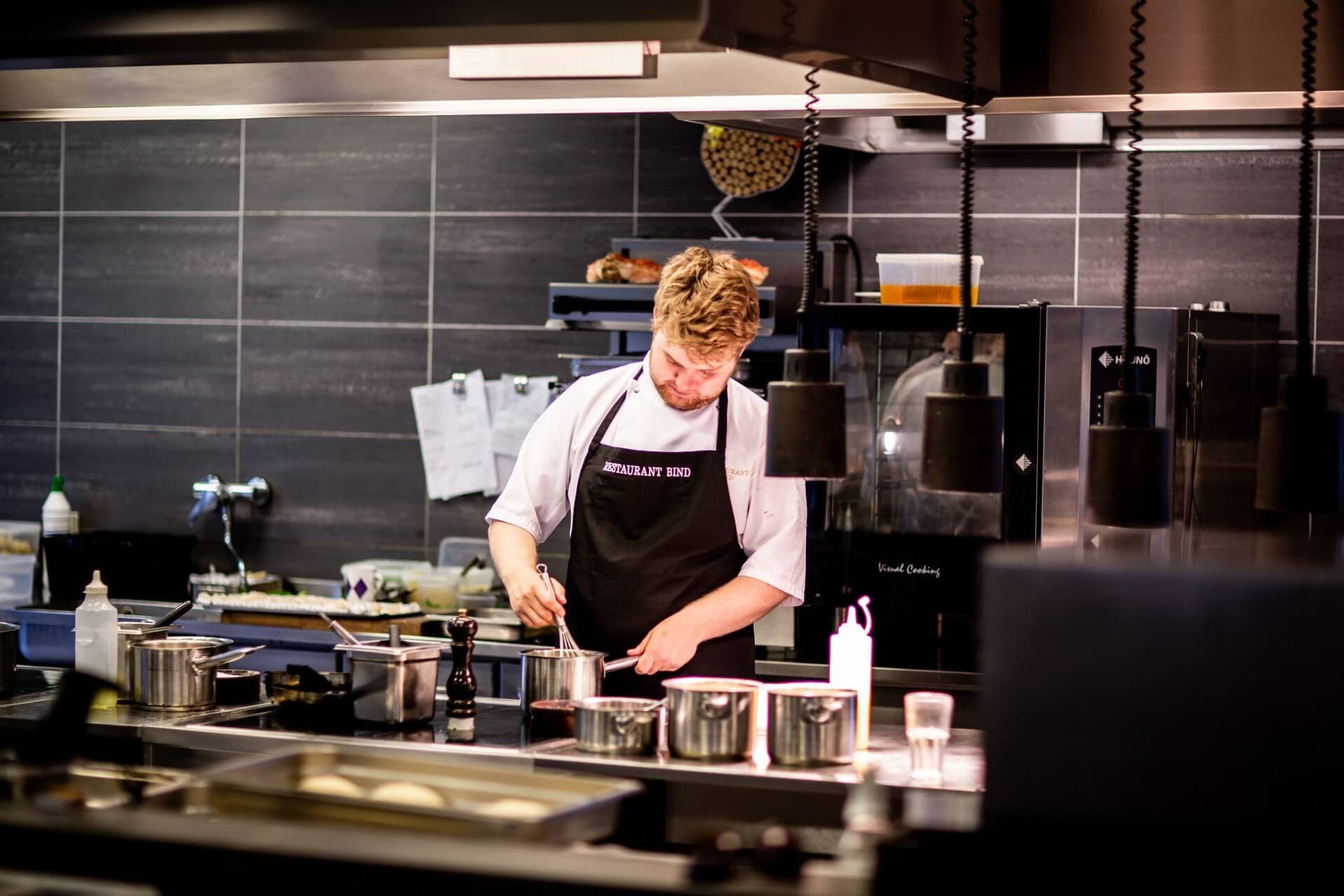
New keg? New price? You'll change it in seconds
Create your bar list and test it this weekend — 30 days of Standard free.