

WMenu
Online ordering

Online ordering for restaurants — with no sales commission

Food portals take up to 30% of every order. In WMenu you pay a flat monthly fee, and every order — delivery, pickup or to the table — reaches you in full.

The ordering system is part of the PREMIUM plan: QR menu, website and online ordering in one panel.

570+
restaurants use WMenu
1M+
menu views per month
7
countries with active venues

Your own ordering system vs food portals

Commission per order
Ordering in WMenu
0%
Portals (Uber Eats, Glovo, Wolt)
usually 13–30%
Monthly cost
Ordering in WMenu
flat fee €59 net
Portals (Uber Eats, Glovo, Wolt)
grows with turnover
Customer data
Ordering in WMenu
belongs to you
Portals (Uber Eats, Glovo, Wolt)
stays in the portal
Table orders via QR
Ordering in WMenu
yes, included
Portals (Uber Eats, Glovo, Wolt)
none
Menu and venue page
Ordering in WMenu
in the same panel
Portals (Uber Eats, Glovo, Wolt)
separate tools
Courier panel
Ordering in WMenu
included in the plan
Portals (Uber Eats, Glovo, Wolt)
portal fleet only
Benefits

What you get with your own ordering system

  • 0% commission — the full order revenue stays with you
  • Three modes: delivery, pickup and table orders via QR
  • A courier panel with the delivery list included in the plan
  • Status notifications for customers about their order
  • Orders from your site and QR menu — with no middlemen
  • A flat, predictable monthly fee instead of a cut of turnover

How much you really hand to the portals

At 25% commission on a €20 order, €5 goes to the portal. At 10 orders a day that's about €1,500 a month — around twenty-five times the flat PREMIUM fee.

Portals are a good source of new customers, but regulars who already know your venue can order directly — with no commission.
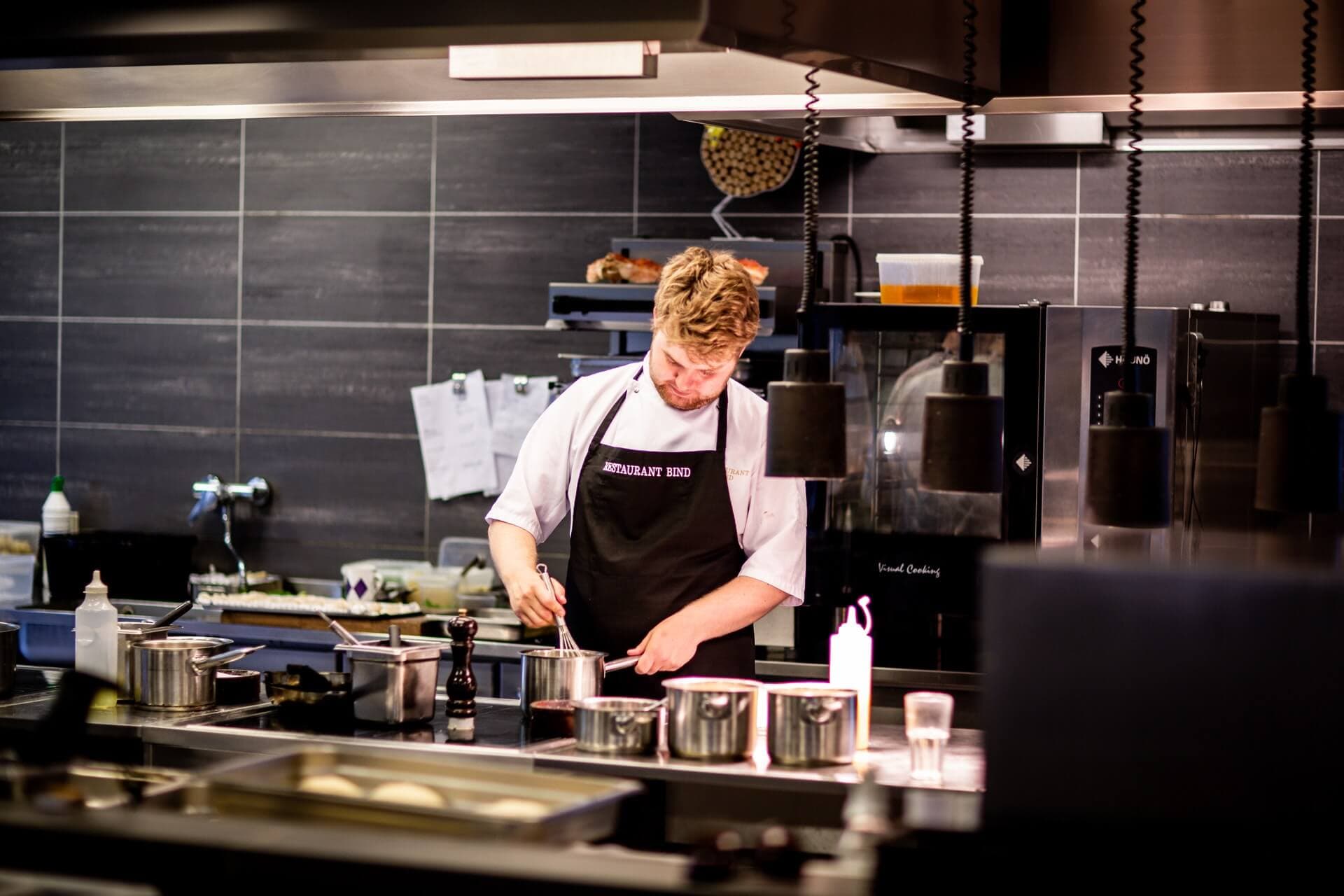
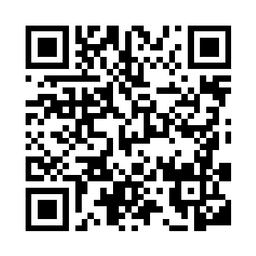
Table orders via a QR code

The guest scans the code on the table, browses the menu with photos and places an order from their phone. Staff receive it instantly in the panel — no running around with a notepad and no mix-ups in a noisy room.

It's especially useful at peak hours, in gardens and on terraces where the waiter can't see every table.

Delivery and pickup

The customer orders from your menu page — the same one that's visible on Google. They choose delivery or pickup, and you see the order in the panel and confirm the timing.

The courier gets their own panel with addresses and delivery statuses, and the customer gets notifications, so they don't call asking “where's my order?”.

One panel instead of three tools

The QR menu, website and online ordering work together: you change a dish price in the panel and the new price applies at once in the menu at the table, on the site and in delivery orders. No syncing separate systems.

How it works

01

Enable ordering in the panel

Activate the PREMIUM plan and choose the order modes: delivery, pickup or to the table.

02

Set delivery zones and times

Define the delivery area, the minimum order value and the hours you take orders.

03

Take orders

You see new orders instantly in the panel, and the customer gets a status notification.

See what a menu with ordering looks like

Open a sample menu and see how guests browse the card and place an order from their phone.

See the demo

Frequently asked questions

Is there really no commission on orders?

Yes, the commission is 0%. You only pay the flat PREMIUM fee (€59 net per month), regardless of the number and value of orders. The full order revenue reaches you.

How does the customer pay for an order?

You set the payment method yourself — for example, payment on pickup or on delivery. That way there's no middleman between you and the customer's money.

Does table ordering work?

Yes. The guest scans the QR code on the table, places an order from their phone, and staff see it instantly in the panel along with the table number.

How do I know a new order came in?

New orders appear in the panel in real time, and the customer automatically gets notifications about status changes — from acceptance to completion.

Can I use WMenu alongside Uber Eats or Glovo?

Yes, many customers combine both channels: portals attract new guests, while regulars order directly through the venue page — with no commission.

How fast can I launch online ordering?

If you already have a menu in WMenu, enabling ordering takes a few minutes: you activate the PREMIUM plan, set delivery zones and the hours you take orders.

Potrzebujesz pomocy lub masz pytania?

Zamów bezpłatną prezentację

Leave your number — we'll work out together how much you hand to the portals and show you how the WMenu ordering system works. No commitment.

Bez zobowiązańOdpowiedź w 1 dzieńPomoc w przeniesieniu menu

Wysyłając formularz, wyrażasz zgodę na kontakt telefoniczny w sprawie prezentacji WMenu. Twoje dane wykorzystamy wyłącznie w tym celu.

Ten formularz jest chroniony przez reCAPTCHA. Obowiązują Polityka prywatności i Warunki korzystania Google.

Chef in a restaurant kitchen

Count how much stays with you at 0% commission

A flat fee instead of a cut of your turnover — first month free, no credit card.