
QR menu for a food truck
A food truck is hospitality in the smallest space: the whole menu has to fit on a board over the window, the offer changes with ingredient availability, and at peak every minute of the queue counts. A QR menu moves the menu into customers' phones — with full descriptions, photos and always-current availability.
The customer browses the menu in the queue and reaches the window ready to order — the queue moves faster.


How the guest sees a food truck menu
The whole menu on the phone of whoever is queuing, with photos and allergens, instead of a board above the hatch. What sells out mid-afternoon gets marked as sold out.
- The whole menu, not the board
A description, photo and allergens for every item, even when the hatch is a metre wide.
- Sold out halfway through
Mark the lemonade sold out from your phone and nobody reaches the hatch to ask for it.
- A menu per event
You sell something else at the festival than at the Sunday market; set up the section before you leave.
- Fish tacos€9
Battered hake, slaw and chipotle mayo. Two per serving.
GlutenFishEggs - Smash burger
Beef, cheddar, onion and pickles.
GlutenMilkMustardSesameSizeExtras - Homemade lemonade€3.50
Lemon, mint and ice.
Sold out
The food-truck routine you know
A menu on a board — no descriptions or photos
Sold out halfway through the day
Every event is a different offer
The queue scares customers off
A typical food-truck day — with a QR menu and without
you mark the burgers unavailable from your phone
scrawling on the board between orders
browses the menu with photos in their phone
reads the board only at the window
you add the event section before you set off
a new board or one-day printouts
a full description on the item
a conversation through the window, the queue stops
a link to the current menu in the post
a photo of last week's board
a new price in the panel in a minute
re-sticking prices on the board
What a QR menu changes in a food truck's work
- Customers choose in the queue — at the window they just order
- Sold-out marked from your phone, no scrawling on the board
- Photos and full descriptions of dishes there's no room for on the board
- An event offer for a single weekend, no printing
- A menu link on social media — where you announce locations
- Zero hardware — a QR code on the side and customers use their own phones
How it works in a food truck
- 01
Create an account
Registration takes 2 minutes, with no credit card.
- 02
Add the menu with photos
Burgers, combos, drinks — with descriptions and ingredients you can't fit on a board.
- 03
Stick a QR code on the side
A code at the window and on the truck wall + a link on social media — customers browse the menu from their phone.
A queue that serves itself
In a food truck the bottleneck is the window: one person takes orders, hands out food and answers questions. A QR menu takes all the “deciding” out of that queue — the customer scans the code on the side or a sign in the queue and browses the full menu with photos before they reach the window.
Read moreClose
The effect: ready orders land at the window, the queue moves faster, and people are less likely to give up at the sight of it. At peak hours that translates directly into the number of customers served.
Sold out with no scrawling on the board
Ingredient availability is a food truck's daily reality: buns, meat or limited items run out mid-day. In WMenu you mark the item unavailable from your phone — between one order and the next — and customers in the queue see the current offer straight away. When you restock in the morning, you switch the item back on. The board stops being a battlefield with chalk.
Events and festivals: an offer for one weekend
To a festival you go with a short menu and combos, to a company party with an agreed catering, and outside an office block you sell the full menu. In a digital menu you add an event section before you set off and mark the dishes you aren't bringing as unavailable — with no single-use printed materials. After the weekend you delete the section. Event prices you change on the road, from your phone.
The menu where you announce locations
A food truck lives on social media: that's where customers check where you're parked today. You paste the permanent menu link into your Instagram bio and every location post — a customer who sees “today until 8 pm by the market square” browses the menu right away and comes over decided. The menu also works as a simple website for your truck on Google — more on the online menu page.
How much a QR menu for a food truck costs
One truck with a short menu fits in the free plan: unlimited items, one language and up to 20 photos, with no expiry date. There is no hardware either, because customers use their own phones and you manage the menu from yours. At festivals with visitors from several countries one language falls short; paid plans, from BASIC up, lift the language and photo limits. The first 30 days of Standard are free, with no credit card — you can test the menu at your next event. Details in the pricing.
Details food trucks ask about
A QR code on the side, window and a sign
You print the code once and place it where the queue stands: on the truck side, at the window, on a pavement sign. The same code works at every location — the menu always leads to the current version, no matter where you're parked today.
Combos and options with no explaining
A burger solo or in a combo with fries and a drink, double meat, spicy sauce — you set variants and surcharges on the item. The customer puts the whole order together in their head before they reach the window.
Two trucks? One account
Each truck has its own menu and its own QR code, and you manage it all from one account. The offers can differ — one truck with burgers, another with Asian food — with no two separate systems.
No terminals or tablets
A QR menu needs no hardware in the truck: customers use their own phones and you edit the menu from yours. The only printout is the code sticker — more rain-proof than any card.
What else a food truck can use
The same account, other tools: switch them on with a plan change in the panel.
Pickup orders
Guests order from the queue and collect at the hatch when you call them.
Online orderingThe menu in several languages
At a festival with visitors from abroad, everyone reads the menu in their own language.
Multilingual menuSee what a menu in WMenu looks like
Open a sample menu on your phone — exactly how your customers will see the menu after scanning the code on the side.
Frequently asked questions
I have no tables — where do I put the QR code?
Where customers wait: on the truck side, at the window, on a pavement sign by the queue. A link on social media also works well — the customer browses the menu before they even reach you.
My offer changes daily — can I keep up with editing?
Editing happens from your phone and takes seconds: to hide an item you flip the availability switch in its card, and a price changes in the same form. Many owners update the menu on the fly, between orders.
Can I have a separate menu for events?
Yes, but not as a switch between ready-made menus: before you set off you add an event section (festival, catering) and mark the dishes you aren't bringing as unavailable; after the event you delete it or switch them back. With no printing materials for one weekend.
Do customers need internet to open the menu?
The menu opens in the browser, so ordinary mobile coverage is enough — no app and no Wi-Fi. The menu is light and loads fast even on a weaker connection.
How do I link the menu to Instagram?
Your menu has a permanent link — you paste it into your bio and location posts. The link doesn't change, even when you edit the menu, so you set it once.
How much does a QR menu for a food truck cost?
Nothing on the free plan: one menu, one language and up to 20 photos, with no expiry date. Paid plans start with BASIC (prices on the pricing page), and the first 30 days of Standard are free — with no credit card. You need no hardware beyond a printed QR code.
Need help or have a question?
Book a free demo
Leave your number — we'll show how WMenu works for your food truck and help move your menu. No commitment.
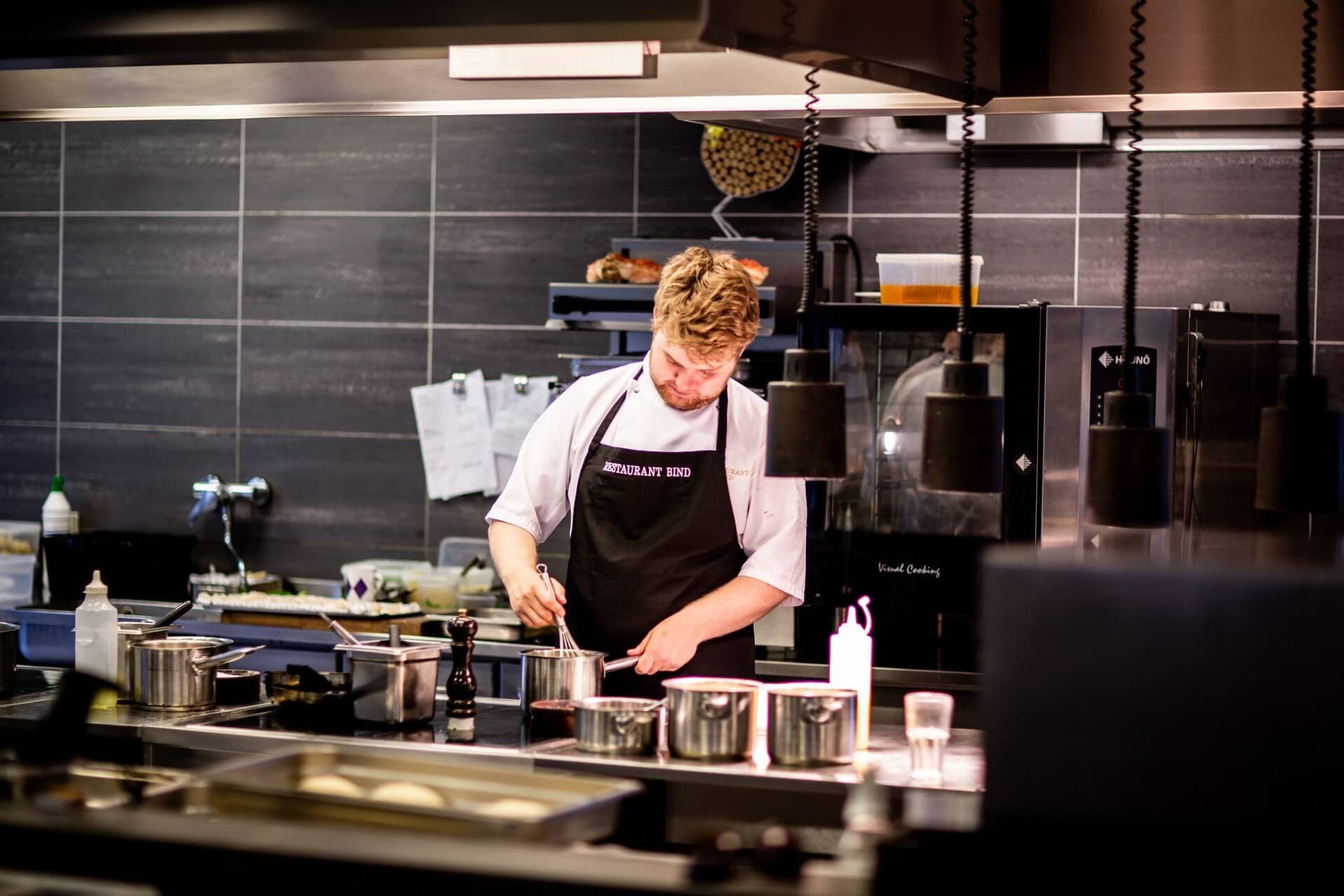
A shorter queue at your very next event
Create an account today, stick the code on the side tomorrow — 30 days of Standard free.