
QR menu for a company party
A team event, a company Christmas dinner, an anniversary or a client meeting — the menu is printed for every setting and goes out of date at the first change in guest numbers. A QR menu is one elegant code on the table and a menu you change until the last moment: with diets, allergens and an English version for guests from abroad.
For HR teams, office managers and caterers serving corporate events — and you can run a single party within the 30-day trial.


How the team sees the company dinner menu
One code on the table instead of a printed card per seat: the Christmas dinner menu, the diets of half the team and the same menu in Spanish for colleagues from the Madrid office.
- A menu per event
The 80-person team dinner has its own menu, and you can change it up to the last minute.
- Diets without asking table by table
Gluten-free, vegetarian and vegan marked on every dish.
- Colleagues from abroad
The guest from Madrid switches the menu to Spanish with the flag.
- Roasted butternut squash soup
With toasted seeds.
CelerySesame - Roast turkey with all the trimmings
Vegetarian option: nut roast 🥗.
GlutenCeleryNuts - Christmas pudding with brandy sauce
Contains alcohol.
GlutenMilkEggsSulphites
Sound familiar from organizing a company event?
Printing cards for every setting
Diets and allergies of half the team
Guests and partners from abroad
Last-minute changes
A company party — with a QR menu and with a printed card
you fix it in the panel in a minute
a new run or pen crossings-out
diet and allergens visible on the item
the waiter checks with the kitchen at every table
the guest switches the menu to English
printing a separate language version
you update the menu on the spot
some cards are already printed
the menu matches the event's identity
a print-shop template
you copy and edit a ready menu
design and printing from scratch
What a QR menu gives at a company party
- One elegant QR code on the table instead of cards for every setting
- Diets and allergens marked on every item — fewer questions to staff
- Language versions of the menu for guests and partners from abroad
- Dish and schedule changes until the last moment, with no reprinting
- A menu with the company logo and styling to match the event
- A separate menu for every event from one account
How it works at a company event
- 01
Create an account
Registration takes 2 minutes, with no credit card.
- 02
Build the event menu
Add dishes, menu variants (meat / veggie / gluten-free), mark allergens and add an English version. Sections keep order: starters, mains, desserts, drinks.
- 03
Set out the QR code on the tables
Print the code on elegant table cards or in the evening's programme. Guests scan with their phone — no app and no login.
One code on the table instead of cards for every setting
At a banquet or team event a printed menu lies by every plate — and every change to the catering offer means a new run. A QR menu flips that logic: on the table lies one elegant card with a code, and you edit the menu content in the panel. Changing a dish two days before the party takes as long as writing a message, and costs not a single printed page.
Read moreClose
You build the menu in sections — starters, mains, desserts, drinks, bar — and the guest scrolls it in their phone instead of leafing through several printed pages. A menu with the company logo and styling to match the evening looks consistent with the rest of the event.
Diets and allergens without constantly asking staff
The larger the company, the more certain there'll be vegetarian and vegan, gluten-free, lactose-free or halal diets in the room. In a digital menu you mark allergens and diet variants once on the item, and the guest checks for themselves what they can eat — without catching a waiter and with no allergen list circulating the tables. For the organizer that's fewer calls before the party and a calmer evening.
Language versions for guests and partners from abroad
A company anniversary, a gala or a dinner with foreign partners — some guests won't read a Polish menu. Instead of printing a separate version, you add the translation in the panel, and the guest switches language with one tap. The menu supports dozens of language versions, so the same card works for the whole room.
For caterers and corporate event organizers
Do you serve corporate events — team events, conferences, coffee breaks, company dinners? From one account you run a separate menu for every job: its own menu, link and QR code per event. You prepare the offer for the next events from ready-made sections, and the client browses it online instead of opening a PDF in an email. Do you also organize weddings and private parties? See QR menu for weddings and events.
How much a QR menu for a company party costs
A single party fits in the free plan: one menu with unlimited items, one language and up to 20 dish photos, with no expiry date. An international team that needs a second language starts at BASIC. No plan caps menu changes, so last-minute corrections cost nothing extra. The first 30 days run on Standard, free and with no credit card. Compare plans in the pricing.
What you prepare before the lunch or dinner
Menu variants: meat, veggie, gluten-free
On one menu you run several dish variants and mark them clearly, so the guest sees their option right away. No more separate “vegetarian menu” slips hidden under the plate.
A menu with a logo and event styling
Add the company logo and match the menu's look to the character of the evening — a team event, a Christmas dinner or an elegant gala. The menu looks like part of the styling, not a printer output.
One link to the programme and menu
You can put the QR code and permanent link into the invitation, the evening's programme or a company channel — guests have the menu at hand even before the party and know what to expect.
No app and no login
The menu opens in the phone browser after scanning the code — guests install nothing and create no account. It's simply a link that works on any phone.
What else a company event can use
The same account, other tools.
Events with prepayment
The company dinner with places paid at booking; you know who is coming before you confirm numbers with the kitchen.
Online reservationsThe menu in several languages
Partners and clients from abroad read the menu in their own language.
Multilingual menuPrintable allergen table
The 14 allergens of the menu in one table for the floor and the kitchen.
Create the tableSee a real venue's menu
Piwnica Świdnicka runs a full menu in WMenu — open it on your phone. Your company-party menu will work exactly the same way.
Frequently asked questions
Can I prepare the party menu within the 30-day trial?
Yes — the first 30 days of Standard are free and need no credit card, so you can run a single company party (team event, Christmas dinner, anniversary) entirely for free. You'll build the menu in minutes.
How do I mark vegetarian, vegan and gluten-free dishes?
On every item you add diet and allergen markings in line with EU Regulation 1169/2011. The guest checks for themselves what they can eat, and staff don't have to ask the kitchen at every table.
Can the menu be in English for guests from abroad?
Yes, you add the translation in the panel, and the guest switches language with one tap. The menu supports dozens of language versions — the same card works for all guests in the room.
Can I change the menu the day before the party?
Yes, you edit the menu in the panel until the last moment — a dish change or a variant-count correction is visible right away, with no reprinting. That's the main advantage of a QR menu at events.
I serve many corporate events — do I need separate accounts?
No, from one account you run a separate menu for each party — each with its own menu, link and QR code. Handy for caterers and corporate event organizers.
How much does a QR menu for a company party cost?
There is a free plan with no expiry date: one menu, unlimited items and changes, one language and up to 20 photos. Paid plans start with BASIC; the prices are on the pricing page. The first 30 days of Standard are free, with no credit card.
Need help or have a question?
Book a free demo
Leave your number — we'll show how to prepare a menu for a team event, a company Christmas dinner or a client banquet. No commitment.
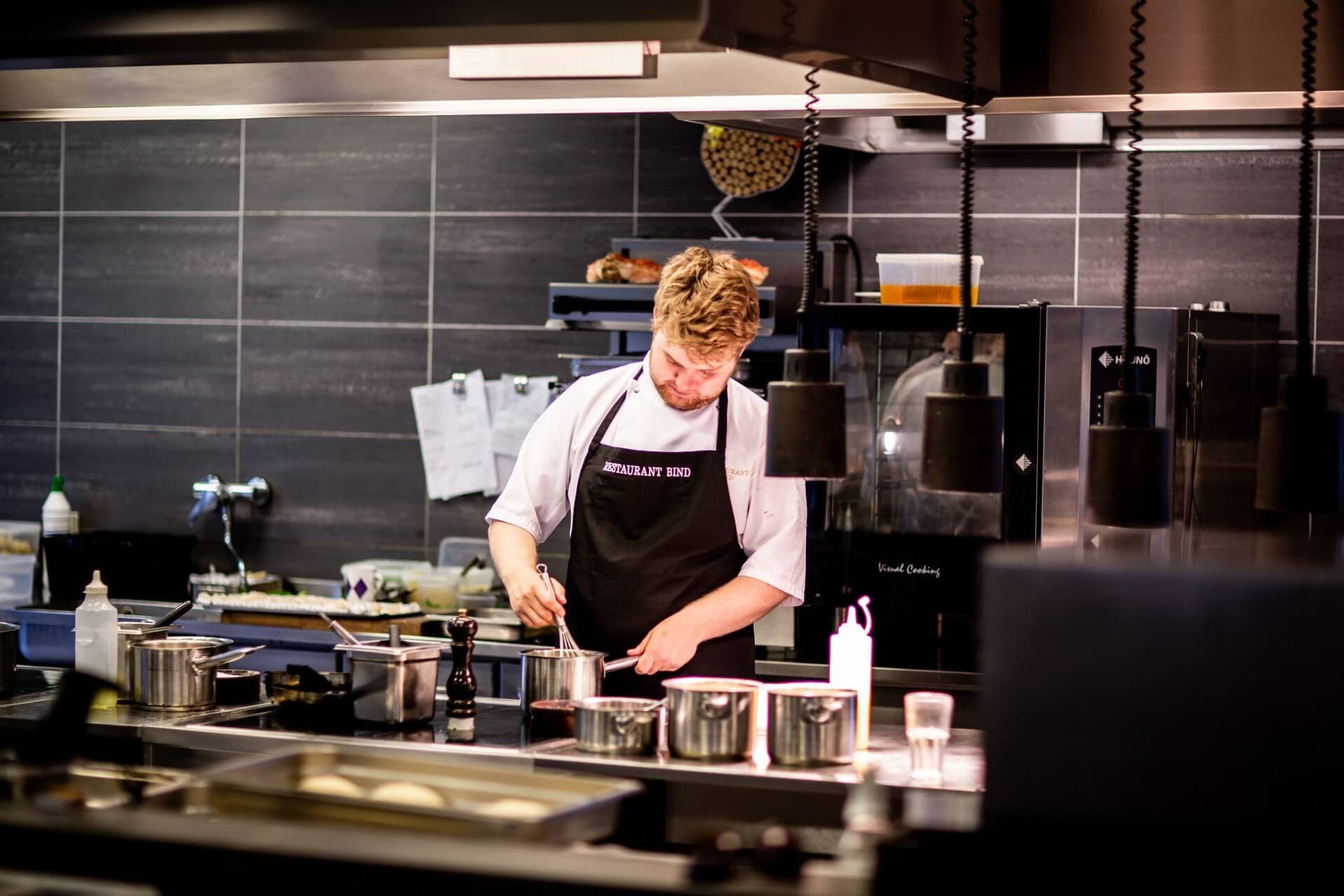
You'll build the menu for your next company party in minutes
Create an account and prepare the menu for a team event or a Christmas dinner — 30 days of Standard free, no credit card.