
QR menu and room service for a hotel
A hotel serves several menus at once: restaurant, bar, breakfast, room service — to guests from all over the world who read them in different languages. In WMenu each outlet is a section of one hotel menu: the guest scans the QR code in the room, at the table or by the pool and jumps to the section they need.
A menu in 80+ languages, with no app — a guest from Norway reads the menu in Norwegian, and reception stops translating.


How the guest sees the menu from the room
One QR code in the room opens breakfast, room service and the pool bar. A German guest switches the whole menu to German; here, to Spanish, with one flag.
- Each outlet, one section
Restaurant, bar, breakfast and room service as sections of one menu, in one panel.
- The guest's own language
80+ languages without printing a menu per country.
- A new price in every room
Change the club sandwich in the panel and the next guest who scans sees it.
- Full breakfast€14
Eggs your way, bacon, sausage, beans and toast. Served 7–11 am.
GlutenEggs - Club sandwich€15
Chicken, bacon, egg, lettuce and fries.
Room serviceGlutenEggsMustard - Glass of prosecco€7
Extra dry, from Veneto.
June–SeptemberSulphites
The hotel routine you know
Room service by phone
Cards in the rooms go out of date
Several outlets, several menus
Guests from ten countries at once
A typical hotel week — with a QR menu and without
scans the code and reads the menu in German
calls reception in broken English
5 minutes in the panel, the whole property
swapping cards in every room
you edit the breakfast section in the panel
printing and swapping cards in the restaurant
you fill in the poolside bar section for summer
printing materials for three months
checks the ingredients on the item in their phone
staff run to the kitchen with questions
everyone browses the menu at the same time
there aren't enough cards for half the room
What a QR menu changes in a hotel's work
- Restaurant, bar, breakfast and room service as sections of one menu
- A QR code in the room instead of ageing printed cards
- A menu in 80+ languages — the guest reads it in their own
- Price changes across all outlets in minutes, with no printing
- Seasonal outlets (poolside bar, terrace) set up for the season, no printing
- Room orders via QR on the PREMIUM plan — with no phone call
How it works in a hotel
- 01
Create the hotel account
Add the property details and logo. Registration takes 2 minutes, with no credit card.
- 02
Add a section per outlet
Restaurant, bar, breakfast, room service — each outlet gets a section with its own dishes, prices and serving hours in the name. Languages apply to the whole menu.
- 03
Place the QR codes
In the rooms, on restaurant tables, in the lobby and by the pool. Every code opens the same hotel menu, and the section bar takes the guest to room service or the bar in one tap.
Room service without the handset: a QR code in the room
The biggest barrier to room service is the phone. The guest doesn't know the hours, doesn't know what's available, and a conversation in a foreign language puts them off most effectively — so instead of ordering dinner to the room, they head into town. A QR code on the desk or by the TV solves it with one scan: the guest sees the current room-service menu with photos, prices and available hours, in their own language.
Read moreClose
On the PREMIUM plan the guest can also place an order straight from their phone — it reaches the service panel with the room number, with no reception in between. Details on the online ordering page.
One menu, a section for every outlet
A restaurant with a seasonal menu, a lobby bar with wines and cocktails, a breakfast buffet with hours, room service with its own price list — in WMenu these are sections of one hotel menu, edited in one panel. The limit is that the guest sees every section: a club sandwich priced differently for room service has to be a separate item. If an outlet needs its own QR code, page and prices, register it as a separate venue, which means a separate account and subscription.
Read moreClose
Seasonal outlets — a poolside bar, a terrace grill — get their section when they open, and after the season you delete it. No printed materials go in the bin three months later.
A guest from abroad reads the menu in their own language
In a hotel, multilingualism isn't an add-on but the basis of service: a typical property hosts Poles, Germans, Scandinavians and guests from Asia at the same time. WMenu gives over 80 language versions with a switcher in the menu — the guest picks their language and chooses a dish with no help from a waiter or reception. They read ingredients and allergens in their own language too, which at a breakfast buffet and room service saves dozens of questions a day. More on the multilingual menu page.
No more swapping cards in fifty rooms
A printed room-service card is a logistical nightmare: every price or offer change means printing and going round every room. In practice the cards get updated once a year — and at the order the guest hears “that item is a different price now”. You print the QR code once: an elegant sticker or a stand in the room always leads to the current menu, and you make changes in the panel in minutes for the whole property.
How much a QR menu for a hotel costs
The free plan does not expire, but it serves the menu in one language only, your own, which rarely covers hotel guests. Paid plans, from BASIC up, have no language limit, and online ordering (room service via QR) is on the PREMIUM plan, with no commission on orders. The first 30 days of Standard are free, with no credit card. Each property is a separate account with its own subscription; for several we agree one invoice and a discount — compare plans in the pricing.
Details hotels ask about
Breakfast hours in the menu
Breakfast, lunch and dinner are separate sections, and the serving hours go in the section name: “Breakfast · 7:00–10:30”. The guest knows before ordering that scrambled eggs end at 10:30. The menu doesn't hide sections by the clock — if the kitchen stops serving a dish at night, hide it in the panel.
A QR in the room: a sticker instead of a binder
An elegant stand or a sticker with a QR code replaces the binder of information. Breakfast hours, the spa price list or property info can go into their own sections of the same menu — all editable without going into the rooms.
The hotel restaurant menu on Google
A hotel restaurant also competes for guests from the town. An online menu visible on Google and linked to the property listing attracts guests from outside — not just those sleeping a floor above.
Several properties, several accounts
A chain or two hotels? In WMenu each property is its own venue: its own account, menu, QR codes, page and subscription. Prices and orders never mix, but a price change in both hotels is typed in two panels. For a group we agree one invoice and a discount.
What else a hotel can use
The same account, other tools: switch them on with a plan change in the panel.
80+ languages
The room service menu in each guest's language, without printing one per country.
Multilingual menuOrders from the table or the room
Each table or room has its own code, and the order reaches the panel with its number.
Online orderingBookings for the hotel restaurant
Tables for guests and outside diners, with the card as a guarantee if you want it.
Online reservationsSee a real hotel's menu
Hotel Horda runs its menu in WMenu — open it on your phone and see how guests view the hotel menu.
Frequently asked questions
Can I run separate menus for the restaurant, bar and room service?
Within one hotel they are sections of one menu: Restaurant, Bar, Breakfast, Room service, each with its own dishes, prices and hours in the name. The guest sees all of them and switches in the section bar. An outlet that needs its own QR code and page is set up as a separate venue, with its own account and subscription.
How does the menu work for foreign guests?
You switch on chosen languages from over 80, and a switcher appears in the menu — the guest picks their language. They read ingredients, allergens and prices in their own language, with no help from reception.
Can the guest order room service via QR?
Yes, on the PREMIUM plan the guest places an order straight from their phone, and staff see it in the panel, with no commission on orders. On the other plans the menu is for reading: the guest picks a dish and orders the usual way, by phone.
What about the cards already in the rooms?
You replace them once with a sticker or a stand with a QR code. From then on you make changes only in the panel — the code in the room always leads to the current menu.
Can I limit item availability by hours?
Not automatically: the menu has no clock that hides sections. Write the hours in the section name (“Room service · until 23:00”) so guests see them before ordering, and hide a dish when the kitchen stops serving it. The poolside bar section you fill in for summer and delete after it.
I run several properties — do I need separate accounts?
Yes. Each property is a separate account with its own menu, QR codes, page and subscription, so prices and orders never mix. For a group we agree one invoice and a discount from 2 properties — leave your number in the form.
How much does it cost for a hotel?
€0 on the free plan, which keeps one menu in one language with up to 20 photos. Paid plans start with BASIC; room orders are on the PREMIUM plan, with 0% commission. Prices are on the pricing page. The first 30 days of Standard are free, with no credit card.
Need help or have a question?
Book a free demo
Leave your number — we'll show how WMenu handles the restaurant, bar and room service in your hotel. No commitment.
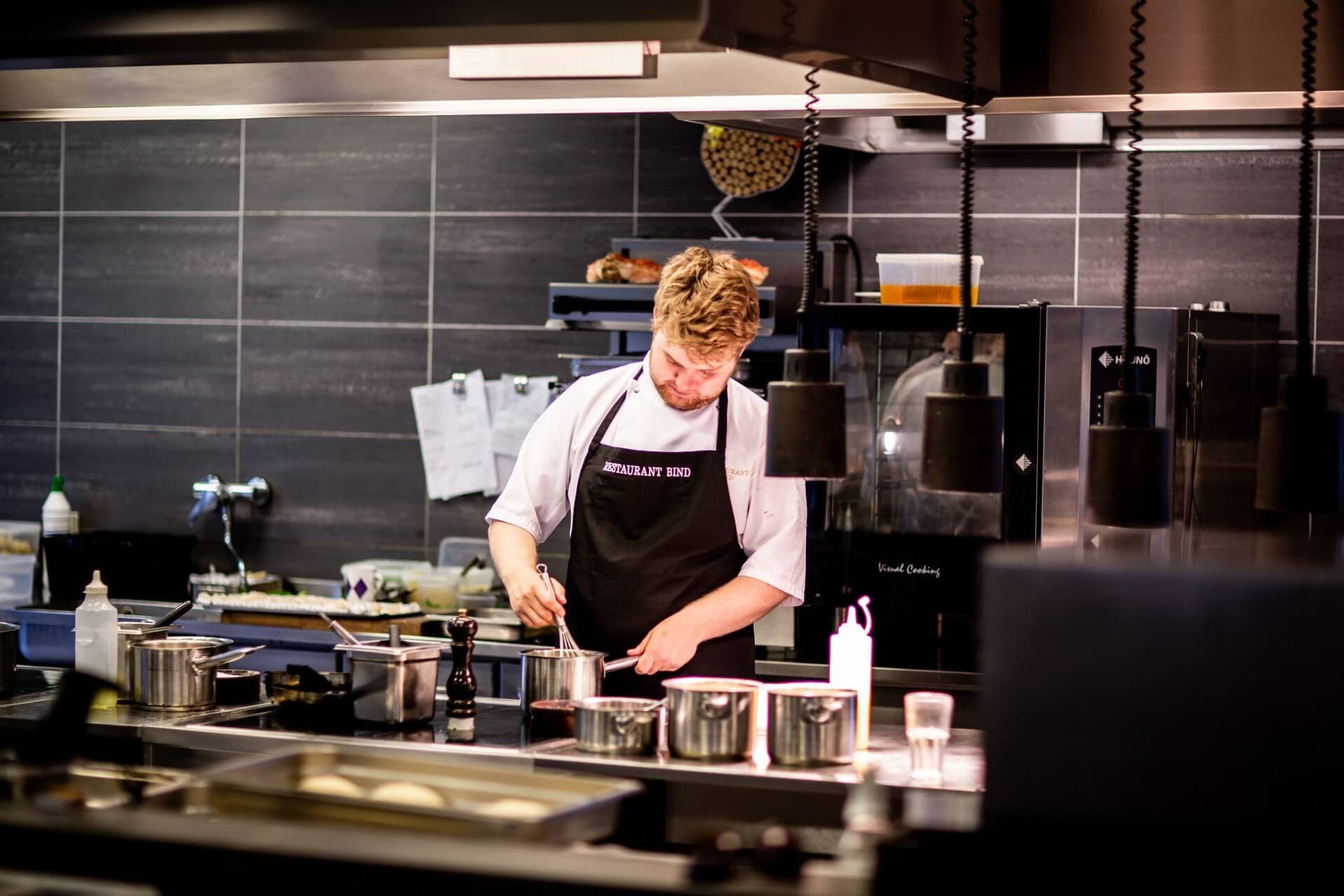
A room-service menu guests read in their own language
Put the whole hotel menu online in an hour. The first 30 days of Standard are free; room orders come with PREMIUM.