WMenu
For restaurants

QR menu in a restaurant

A big menu, a daily lunch, seasonal offers and guests from abroad — a restaurant changes its menu more often than any other venue. WMenu turns that daily fight with printing into a few clicks in the panel, and gives guests a clear menu on their phone.

A full menu with categories, photos, allergens and dish variants — available after scanning the QR code at the table and visible on Google.

570+
restaurants use WMenu
1M+
menu views per month
7
countries with active venues

The restaurant routine you know well

A paper menu ages faster in a restaurant than in any other venue. These four situations come back every week:

The menu goes to the printer again

A supplier price hike, a new chef's dish, the end of asparagus season — and the whole run has to be replaced. Design, proofreading, printing, laminating. And in a month, from scratch.

A daily lunch no one sees

The lunch menu changes daily, so it lives on a board by the door or on a laminated insert. A guest checking the offer on their phone before leaving the office never sees it.

The waiter as a walking encyclopedia

“What's in this sauce?”, “Is this dish gluten-free?”, “What's the portion size?” — staff answer the same questions at every table instead of taking orders.

The tourist puts the menu down

A guest from abroad who doesn't understand the menu orders cautiously — or not at all. Separate cards in English and German are another print run to keep updated alongside the local one.

Benefits

What a QR menu changes in a restaurant's work

  • Change prices and dishes in seconds — no design and no printer
  • Daily lunch and seasonal offers switched on with one click
  • Allergens and ingredients on every item — fewer questions to staff
  • Photos of dishes that help guests choose and raise the bill
  • A menu in 80+ languages — the tourist reads it in their own
  • A menu visible on Google — guests check the offer before the visit

A big menu? Categories and subcategories

A large menu can't be one long list. In WMenu you split the menu into categories and subcategories — starters, soups, mains split into meat, fish and vegetarian, a separate wine and drinks list. The guest moves through the menu like a table of contents and reaches what they want in seconds.

Variants and add-ons on dishes

A steak in three sizes, a choice of sides, a sauce to pick — you set variants and prices on the item, so the menu answers questions before the guest asks them. That means fewer misunderstandings on the order and on the bill.

A menu visible beyond the venue

Your menu also works as a website: the guest finds it on Google, on Facebook and in your Google Maps listing. A current online menu is often the argument that sends the booking to you rather than the venue next door.

Several rooms, a garden, a seasonal offer

One QR code serves the whole restaurant — the room, the garden and the terrace. And if you run several venues, you manage them from one account, each with its own menu and its own code.

How it works

01

Create the restaurant account

Add the name, address, opening hours and logo. Registration takes 2 minutes, with no credit card.

02

Build the menu

Group dishes into categories and subcategories, add prices, photos, allergens and variants. You can also send us your current menu — we'll help move it.

03

Put a QR code on the tables

Download the ready QR code, print it for the tables and add the link to your Google profile and social media.

How a QR menu works at the table in a restaurant

The guest sits down, scans the code with the phone camera and in a second sees the full menu — with no app to install and no waiting for the waiter to bring the card. Categories act like a table of contents: starters, soups, mains, desserts, wines. Every item has a price, description, photo and allergen markings.

At peak hours it makes a real difference: guests browse the menu before staff can even come over, so the order is placed at first contact. Tables turn over faster, and instead of carrying cards and reciting ingredients, waiters sell and advise. For guests who prefer the traditional form, you can keep a few printed cards; both formats work side by side.


A restaurant menu is a living organism

A restaurant menu changes constantly: seasonal ingredients come and go, suppliers raise prices, the chef tests new items and the lunch looks different every day. A paper menu freezes that living organism in its print-day state — and from then on it only goes out of date.

In WMenu you manage the menu like an offer, not a document. Out of mussels? Hide the item with one click and bring it back when the delivery returns — a guest never orders a dish you don't have. You set the daily lunch in the panel in the morning, and in a seasonal menu you simply switch on the “Autumn” section instead of printing inserts. Every change is visible instantly — at the table, on the restaurant site and on Google.

Allergens by the book — without the stress

EU Regulation No. 1169/2011 requires a restaurant to inform guests about 14 allergens in the dishes served. In practice that means fine-print footnotes at the end of a paper menu — or a waiter running to the kitchen to ask about a sauce.

In a digital menu you mark allergens once, on the specific item, and a guest with an allergy checks for themselves what they can order — discreetly, without quizzing staff. When a recipe changes, you fix one item in the panel instead of replacing the whole print run.

A menu that sells more

The menu is the cheapest salesperson in a restaurant. A dish photo works better than the best description — guests more often choose items they can see and more readily reach for desserts or starters they'd walk past on a paper menu. Good descriptions do the rest: “slow-braised beef in red wine” sells better than “beef with sauce”.

Add to that foreign guests: a tourist who reads the menu in their own language orders more boldly — a full main with wine instead of the “safe” item they recognized by name. In WMenu you switch on over 80 language versions with one click, and the language switcher appears in the menu automatically. More on that on the multilingual menu page.

How much a QR menu for a restaurant costs

Plans start at €15 net per month — less than a single reprint after a price change. The price includes a full menu with unlimited dishes, a QR code, language versions and a restaurant website visible on Google. The first month is free, with no credit card — you can test the menu in real service before you decide.

A restaurant that changes its menu a few times a year spends hundreds, often thousands, on design and printing. Work out your savings in the savings calculator or compare plans in the pricing.

A typical restaurant week — with a QR menu and without

A supplier raises prices
With a WMenu QR menu
you change prices in the panel in 5 minutes
With a paper menu
a reprint of the whole run or prices “in pen”
Out of seafood
With a WMenu QR menu
you hide the item with one click
With a paper menu
the waiter explains at every table
Monday's daily lunch
With a WMenu QR menu
you enter it in the panel in the morning, visible on Google
With a paper menu
a chalkboard by the door
A guest asks about allergens
With a WMenu QR menu
checks for themselves on the item in their phone
With a paper menu
the waiter goes to the kitchen to ask
A table of tourists from Germany
With a WMenu QR menu
they switch the menu to German
With a paper menu
they order by pointing or ask for help
A new chef's dish
With a WMenu QR menu
you add it with a photo in 2 minutes
With a paper menu
it waits for a reprint with the other changes

See a real restaurant's menu

Piwnica Świdnicka — one of the oldest restaurants in Europe — runs a full menu in WMenu: categories, photos, descriptions and language versions. Open it and see how it looks from the guest's side.

Open the restaurant menu

Frequently asked questions

Does a QR menu work in a restaurant with a big menu?

Yes — a big menu is exactly where the difference is greatest. You split the menu into categories and subcategories, so even dozens of items stay readable on a phone screen, and the guest navigates the menu faster than a multi-page paper one.

How do I mark allergens by the regulations?

On every item you add ingredient and allergen information in line with EU Regulation 1169/2011. The guest checks it themselves on the dish — without quizzing staff — and you update the markings in the panel when a recipe changes.

What about guests who prefer a paper menu?

Keep a few printed cards for those who want them — both formats work side by side. In practice the digital version takes over the daily changes (prices, lunch, availability), so the paper one needs refreshing far less often.

Can I run a separate lunch menu?

Yes, you run the daily lunch as a separate section that you switch on and edit every morning in the panel. Guests see the current lunch on their phone and on Google — not just on a board by the door.

How does the menu work for foreign guests?

You switch on the chosen languages in the panel — over 80 versions are available — and a switcher appears in the menu. The tourist reads the menu in their language and orders more confidently, without staff translating.

Do I have to add photos to every dish?

No, photos are optional — you can start with just names and descriptions and add photos gradually, from the items you want to sell more often. Good dish photos really do increase orders of desserts and starters.

How much does a QR menu for a restaurant cost?

Plans start at €15 net per month, and the first month is free — with no credit card. The price includes a full menu with no dish limit, a QR code, language versions and a restaurant website visible on Google.

Potrzebujesz pomocy lub masz pytania?

Zamów bezpłatną prezentację

Leave your number — we'll show how WMenu works for your restaurant and help move your menu. No commitment.

Bez zobowiązańOdpowiedź w 1 dzieńPomoc w przeniesieniu menu

Wysyłając formularz, wyrażasz zgodę na kontakt telefoniczny w sprawie prezentacji WMenu. Twoje dane wykorzystamy wyłącznie w tym celu.

Ten formularz jest chroniony przez reCAPTCHA. Obowiązują Polityka prywatności i Warunki korzystania Google.

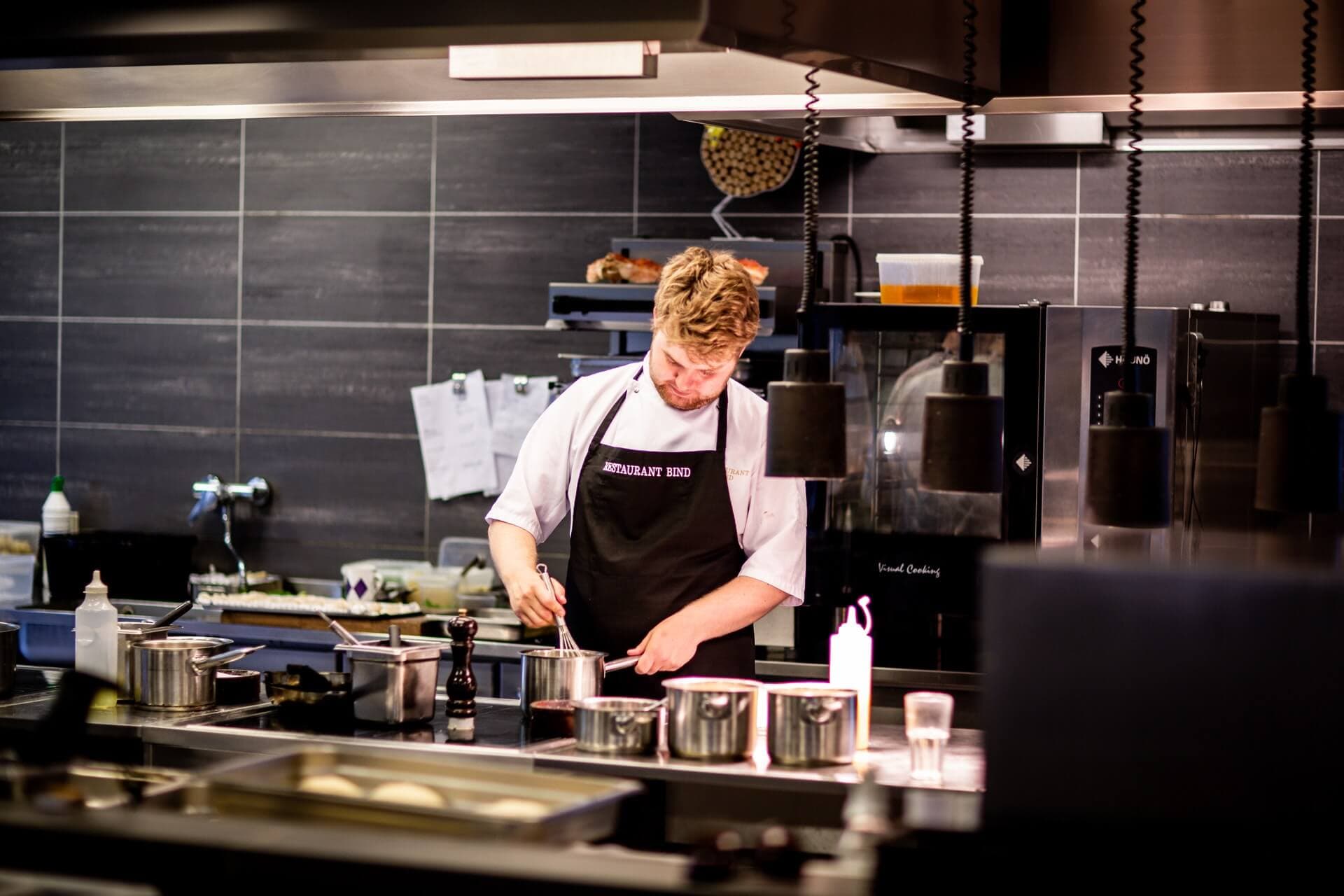
Chef in a restaurant kitchen

Your menu can be up to date by this evening

Create an account, add the menu and print a QR code — the first month is free, no credit card.