


WMenu
PDF import

Upload a PDF and your menu is 90% done

No need to retype the whole card by hand. Upload your PDF menu and WMenu reads categories, dishes, descriptions and prices to build a ready digital card. All that's left is a few fixes and publishing your QR menu.

Import works both when you create a new venue and in an existing restaurant after sign-up — upload the PDF whenever you like.

570+
restaurants use WMenu
1M+
menu views per month
7
countries with active venues
Benefits

What the PDF import gives you

  • A digital menu auto-filled to about 90%
  • Categories, dishes, descriptions and prices read from the PDF
  • Import at sign-up or into an existing venue
  • A ready card to edit in the panel within minutes
  • Transparent logic — you see what was imported
  • QR code and link ready right after publishing

Import at sign-up and into an existing venue

Upload the PDF while creating your venue — we build the restaurant and menu right away. Already have an account? Upload the PDF into your existing restaurant after sign-up and fill or refresh the card whenever you need.
Filled to about 90%

The importer reads the card structure: categories, dish names, descriptions and prices. You get a ready menu skeleton filled to about 90% — the rest (photos, variants and small fixes) you add in the panel.

Transparent, open logic

We don't hide the process in a black box — you see what was read from the PDF and can correct it. You stay in full control of the card before publishing.

Limits and safety

Import is protected against overload: a couple of attempts to start, a PDF file-size limit and abuse protection. That keeps import stable for every venue.

How it works

01

Register your venue

Create an account and add your venue's name, address and logo.

02

Add your menu

Upload categories, dishes, prices and photos — in the panel, no developer needed.

03

Generate the QR code

Download the QR code and link, place it on the table or in your window.

Frequently asked questions

How accurate is the PDF import?

Usually about 90% of the card fills automatically — categories, dishes, descriptions and prices. The rest is small fixes and photos you add in the panel.

Can I upload a PDF into an already created restaurant?

Yes. Import works both at sign-up and later — upload the PDF into an existing venue and fill the menu whenever you like.

Are there import limits?

Yes, for stability: a few import attempts, a PDF file-size limit and protection against excessive load.

What if the import doesn't read everything?

You fix everything in the panel — add missing items, prices and photos. Import is there to give you a ready skeleton, not to replace editing.

Potrzebujesz pomocy lub masz pytania?

Zamów bezpłatną prezentację

Zostaw numer — pokażemy, jak WMenu sprawdzi się w Twoim lokalu, i pomożemy przenieść menu. Bez zobowiązań.

Bez zobowiązańOdpowiedź w 1 dzieńPomoc w przeniesieniu menu

Wysyłając formularz, wyrażasz zgodę na kontakt telefoniczny w sprawie prezentacji WMenu. Twoje dane wykorzystamy wyłącznie w tym celu.

Ten formularz jest chroniony przez reCAPTCHA. Obowiązują Polityka prywatności i Warunki korzystania Google.

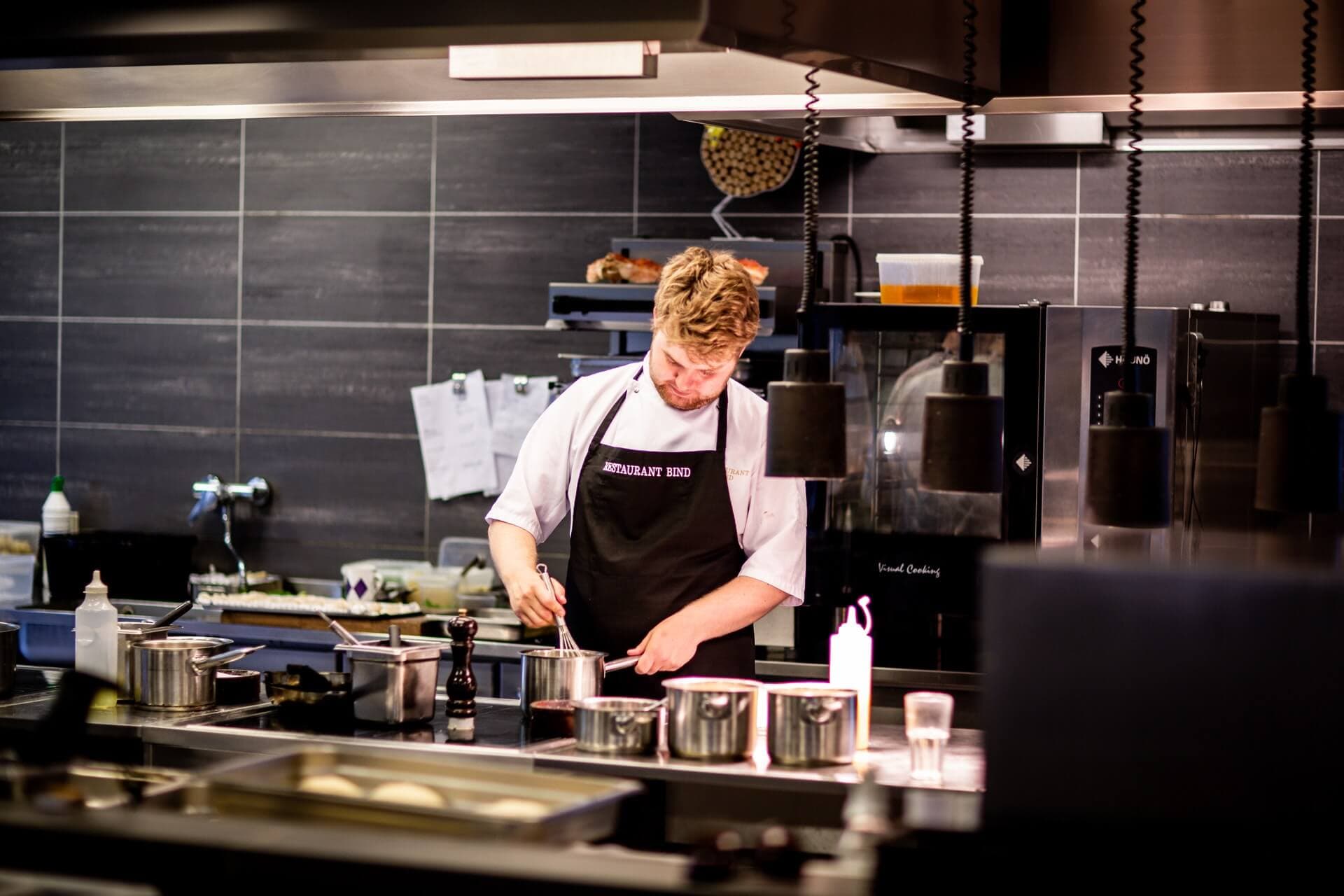
Chef in a restaurant kitchen

Upload a PDF and see your ready menu

Create a venue or upload a PDF into an existing restaurant — your menu fills to about 90%.