


WMenu
PDF alternative

PDF menu alternative — a menu you can actually read on a phone

Most guests open the menu on their phone. A PDF forces them to zoom, pan and wait for the file to download — and Google doesn't index the dishes inside it. An online menu solves all of that in an hour.

Keep your PDF for printing and show guests a convenient online menu — from the same panel.

570+
restaurants use WMenu
1M+
menu views per month
7
countries with active venues

PDF menu vs online menu — a comparison

Readability on a phone
WMenu online menu
fitted to the screen
PDF menu
needs zooming and panning
Visibility on Google
WMenu online menu
every dish indexed
PDF menu
file content practically invisible
Price change
WMenu online menu
a few seconds in the panel
PDF menu
a new file and a re-upload
Photos of dishes
WMenu online menu
on every item
PDF menu
grow the file and load time
Language versions
WMenu online menu
80+ languages with a switcher
PDF menu
a separate file per language
Allergens and variants
WMenu online menu
clearly on the item
PDF menu
footnotes in fine print
View analytics
WMenu online menu
you see what guests look at
PDF menu
no data
Benefits

What you gain by dropping the PDF

  • A menu readable on any phone — no zooming and scrolling
  • Menu items visible on Google, not hidden in a file
  • A price change in seconds instead of generating a new file
  • Photos of dishes, allergens and variants on every item
  • Language versions for tourists — a PDF only has one
  • One permanent link and QR code that never goes out of date

Why a PDF menu loses guests

A guest checking the menu on their phone before a visit opens a PDF designed for an A4 printout. The text is too small, the file loads slowly and navigation needs constant zooming. Some guests simply give up and check the venue next door.

Add to that the problem of freshness: the old file often stays in search results and shows prices from before the increase — a quick route to an awkward conversation at the bill.
Google doesn't read your PDF

Search engines index PDF files far worse than normal pages. A guest who types a dish name and their city into Google won't find your menu — even if that dish is your specialty.

An online menu in WMenu is a normal website: every category and dish is visible to Google, and the venue gains extra visits from search.

Every price change is a new file

With a PDF, raising one price means: open the design, edit, export, upload to the site and swap the links. In an online menu you change the price in the panel and within seconds every guest sees it — at the table, on the site and on Google.

The PDF stays for print, online is for guests

You don't have to choose. Many venues keep a printed version for guests who ask for it and show the online menu on the tables and site. The difference is that the online version is always current — and it's the one working for your visibility online.

How it works

01

Send us your menu

Create an account and add the dishes from your PDF — or send us the file and we'll help move it.

02

Add photos and languages

Add photos of dishes, allergens and language versions that a PDF can't show.

03

Swap the link on your site

Instead of a link to the file, add a link to the online menu — and print a QR code for the tables.

See the difference in a live example

Open a real venue's online menu on your phone and compare it with any PDF menu — you'll see the difference in the first second.

Open the online menu

Frequently asked questions

Does Google index a PDF menu?

Technically it can, but in practice PDF content rarely appears in search results and doesn't create readable subpages. An online menu is a normal website that Google indexes like any other — with dish names and prices.

How long does it take to move a menu from a PDF?

A standard menu takes less than an hour: you add categories and dishes in the panel. You can also send us your file — we'll help with the migration at the start.

Can I keep the PDF for printing?

Yes, many venues keep a printed version for guests who want one. The online menu works in parallel — on the tables as a QR code, on the website and on Google.

What about links that already point to my PDF?

Swap the link on your site and in your Google profile for the online menu address. It's worth removing the old file from the server or redirecting it, so guests don't land on outdated prices.

Does the online menu work on older phones?

Yes, it opens in the browser like a normal page and needs nothing installed. It's also lighter than a typical PDF with graphics, so it loads faster.

Potrzebujesz pomocy lub masz pytania?

Zamów bezpłatną prezentację

Zostaw numer — pokażemy, jak WMenu sprawdzi się w Twoim lokalu, i pomożemy przenieść menu. Bez zobowiązań.

Bez zobowiązańOdpowiedź w 1 dzieńPomoc w przeniesieniu menu

Wysyłając formularz, wyrażasz zgodę na kontakt telefoniczny w sprawie prezentacji WMenu. Twoje dane wykorzystamy wyłącznie w tym celu.

Ten formularz jest chroniony przez reCAPTCHA. Obowiązują Polityka prywatności i Warunki korzystania Google.

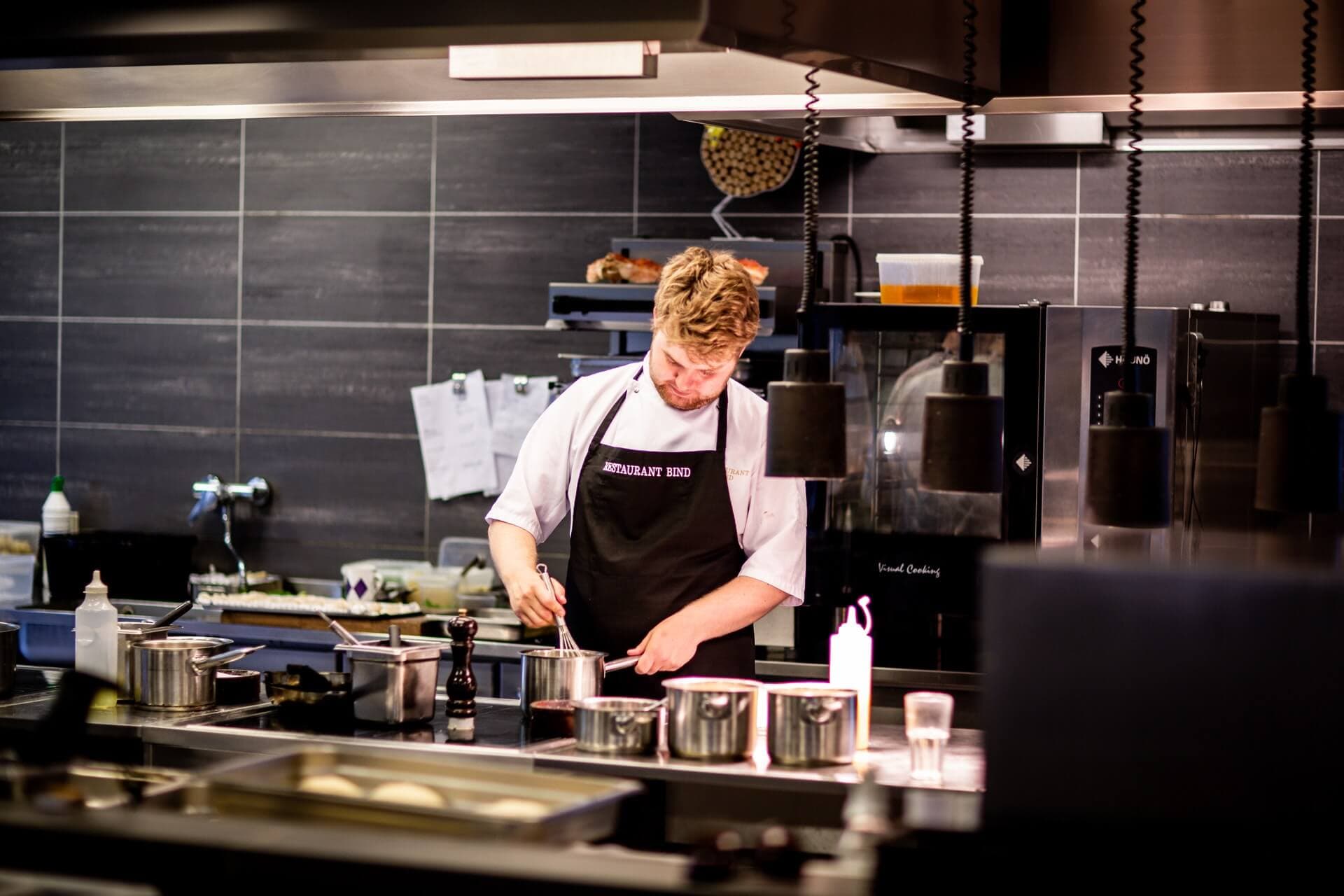
Chef in a restaurant kitchen

Swap the PDF for a menu you can actually read

Moving the menu takes less than an hour — first month free.