


WMenu
Electronic menu

Electronic restaurant menu — no more printing the card

Every price change on a paper menu means a design, a print shop and swapping the cards in the dining room. You edit the electronic menu in the panel in seconds, and guests open it on their phone — via a QR code on the table or a link.

No tablets, no app and no hardware — the phones your guests already have in their pocket are enough.

570+
restaurants use WMenu
1M+
menu views per month
7
countries with active venues
Benefits

Why venues switch to an electronic menu

  • Change prices and dishes in seconds, with no print shop
  • Photos of dishes that raise the average bill
  • Allergens and ingredients clearly on every item
  • Over 80 language versions for guests from abroad
  • Hide unavailable items with one click
  • A menu visible on Google — working for you beyond the venue too

Electronic menu vs paper menu

Price change
WMenu electronic menu
a few seconds in the panel
Paper menu
design, print and swapping cards
Cost of changes
WMenu electronic menu
€0, unlimited changes
Paper menu
design and print cost on every edit
Seasonal offer and lunch
WMenu electronic menu
show and hide with one click
Paper menu
inserts and pen scribbles
Photos of dishes
WMenu electronic menu
on every item
Paper menu
raise the printing cost
Languages for tourists
WMenu electronic menu
80+ versions with a switcher
Paper menu
separate cards to print
Wear and looks
WMenu electronic menu
always like new
Paper menu
stains, creases, crossings-out

How much a paper menu costs over a year

Graphic design, printing, laminating — and again on every price change, new seasonal offer or worn-out cards. A venue that changes prices a few times a year spends hundreds, often thousands, on the menu.

An electronic menu costs from €15 net per month and includes unlimited changes. Work out your savings in our calculator.
How guests use the electronic menu

The guest scans the QR code with the phone camera — with no app to install — and sees a menu fitted to the screen: categories, photos, descriptions and current prices. They can also open the menu from a link on the venue page or on Google.

For guests who prefer the traditional form, you can keep a few printed cards — both formats work side by side.

How this differs from a PDF on a website

A PDF is a file designed for print: unreadable on a phone, invisible to Google and out of date after the first price change. You edit the electronic menu in the panel with no file uploads — you'll find the full comparison on the PDF menu alternative page.

A panel anyone can handle

Adding dishes and changing prices works like a simple editor — no training and no technical knowledge. The menu can be updated by the venue manager or a waiter on shift, from a computer or phone. And if something goes wrong, support is there to help.

How it works

01

Create an account

Registration takes 2 minutes and needs no credit card.

02

Add your menu

Enter categories, dishes and prices in the panel — or send us your current menu and we'll help move it.

03

Put a QR code on the tables

Download the ready QR code and link. From then on, guests browse an always-current menu.

See a real venue's electronic menu

The Piwnica Świdnicka restaurant runs a full menu in WMenu — open it on your phone and see how comfortable it is to browse.

Open the menu

Frequently asked questions

How is an electronic menu different from a PDF on a website?

An electronic menu is an interactive page fitted to the phone, with categories, photos and a language switcher — edited in the panel in seconds. A PDF is a static print file: unreadable on a small screen and needing a re-upload after every change.

Do I need tablets or other hardware?

No. Guests use their own phones, and you manage the menu from any computer or smartphone. The only “hardware” is the printed QR codes on the tables.

How do guests open the electronic menu?

In three ways: by scanning the QR code on the table, tapping a link (e.g. on the venue page or on social media) or finding the venue on Google. The menu opens in the browser, with no app.

How long does it take to move my menu into the system?

A typical menu takes less than an hour to enter. You can also send us your current menu — we'll help with the migration at the start, at no extra cost.

Can I also keep a paper menu?

Yes, both formats can run side by side. In practice the electronic version takes over the day-to-day: price changes, seasonal items and lunch, while the paper one stays for guests who ask for it.

How much does an electronic menu cost?

Plans start at €15 net per month, and the first month is free — with no credit card required. The venue website visible on Google is also included in the price.

Potrzebujesz pomocy lub masz pytania?

Zamów bezpłatną prezentację

Zostaw numer — pokażemy, jak WMenu sprawdzi się w Twoim lokalu, i pomożemy przenieść menu. Bez zobowiązań.

Bez zobowiązańOdpowiedź w 1 dzieńPomoc w przeniesieniu menu

Wysyłając formularz, wyrażasz zgodę na kontakt telefoniczny w sprawie prezentacji WMenu. Twoje dane wykorzystamy wyłącznie w tym celu.

Ten formularz jest chroniony przez reCAPTCHA. Obowiązują Polityka prywatności i Warunki korzystania Google.

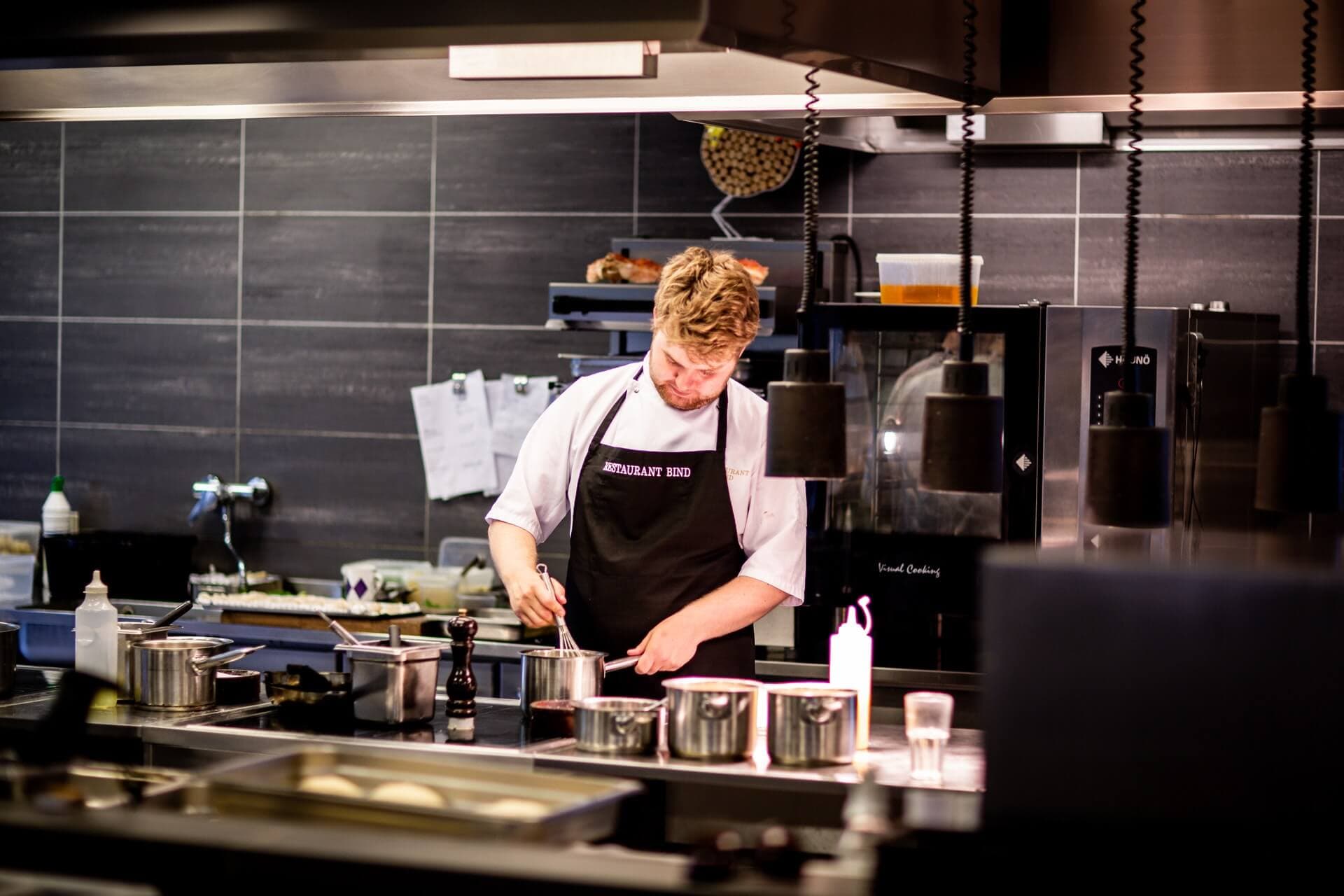
Chef in a restaurant kitchen

Your last menu reprint is behind you

Move the menu online in an hour — first month free, no credit card.