A guest sits down, points a phone at the code, and nothing happens. A server comes over with a paper menu, and a system that took an hour to set up is back where it started.
That is how most QR rollouts fail — not on the software but on a square of card 3 cm across. Below are the settings that decide it, and the one test that catches the problem before a guest does.
Size: 3 × 3 cm is the minimum
A code scans from roughly ten times its own width. A 2 × 2 cm code needs the phone at 20 cm — the guest has to lean over the table. At 3 × 3 cm it works at arm's length; at 5 × 5 cm, from the other side of the table.
Practical minimums:
- 3 × 3 cm — two-seat table, code in the middle,
- 4 × 4 cm — four-seat table,
- 6 × 6 cm and up — code on a wall, in a window, at the counter.
Do not shrink the code to fit the design. A code that cannot be scanned from where the guest sits is decoration.
Material: whatever survives a wet cloth
Tables get wiped a dozen times a day, sometimes with a wet cloth and detergent. Plain paper greys out within a week, and a faded code loses contrast and stops reading.
What works:
- printed acrylic or plexiglass — most durable, €4–10 apiece,
- laminated card — €1–2, lasts a season,
- vinyl sticker on the tabletop — will not fall over or disappear, but is harder to replace.
Black on white reads best. A coloured code over a photo of a dish looks better in a designer's portfolio than on a table at dusk.
Placement: where a plate will not land
The most common rollout mistake is a code placed beautifully and impractically. 5 minutes into service, half the tabletop is covered.
Where a code survives service:
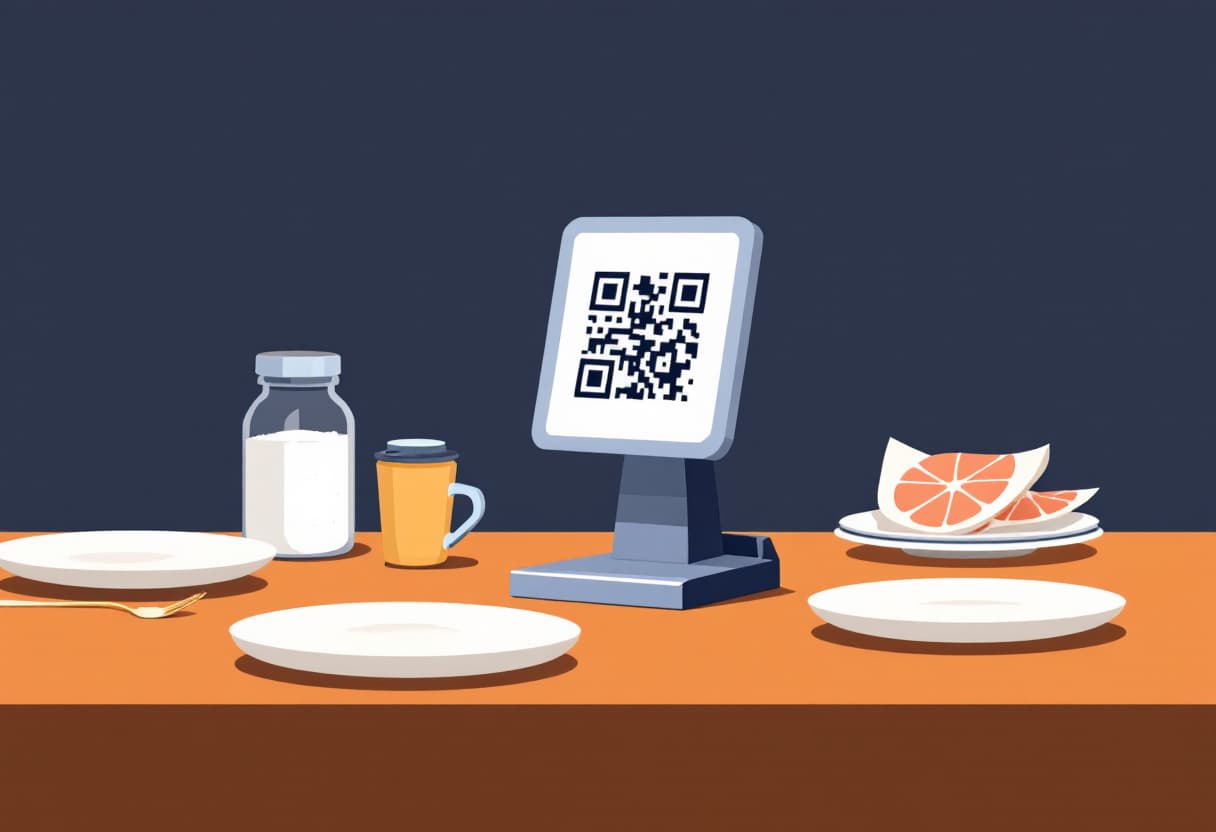
- a stand in the middle of the table, with the salt and napkins — the guest sees it on sitting down,
- the corner of the tabletop by the wall — crockery does not cover it,
- on the paper menu, if you still leave one — the code leads to the full, current version.
Where a code stops working: under a plate, in the middle of the table beneath a sharing platter, on the wall behind the guest's back, on a receipt handed over only on the way out.
It is worth checking from the guest's side: sit at a laid table at lunchtime and try to scan the code without moving anything.
The signal test: at the furthest table, not at the bar
This is the one test you genuinely have to run before rollout — and the one most often skipped.
Signal at the bar is usually fine, because the bar sits closer to the window and the router. A table in the corner of the room, in a basement or behind a thick wall may have no data connection at all.
Check:
- The furthest table from the window, phone on mobile data, not Wi-Fi.
- The same table with a full room — people absorb signal.
- How long the menu takes to open. Over 5 seconds and the guest closes it.
If somewhere has no signal, you have two options: put in decent guest Wi-Fi and print the password next to the code, or leave paper menus in that part of the room. We went through that decision in QR menu or printed.
Static or dynamic — the difference that costs a reprint
A free generator burns the address into the image. Change the address and every code has to be printed again.
The code should point at an address you control and that does not change. Reprinting 40 stands costs €150–400. Then moving between systems, renaming the venue and rebuilding the website never touch what is on the tables.
In WMenu the menu has a fixed address from day one, so you print the codes once. More on picking a system in how to choose a QR menu system.
What to write next to the code
A bare square without a caption works worse than you would think: some guests do not know whether it is the menu, Wi-Fi, a survey or a payment.
One line is enough: "Scan for the menu". If you serve tourists, add a second line in the local language. If you have guest Wi-Fi, the password belongs on the same stand — otherwise a guest without a data plan is stuck.
What not to write: a four-sentence explanation of how to open the camera. Phones from the last 6 years read codes on their own.
How many codes you actually need
One code covers the whole venue — it is the same menu address. Separate codes only make sense when they lead to different menus: a separate terrace menu, a separate bar menu, a separate takeaway menu.
When ordering the print run, count tables plus 20% spare: codes disappear, crack and leave the building in guests' pockets.
Frequently asked questions
How big should a QR code on a table be?
At least 3 × 3 cm on a two-seat table and 4 × 4 cm on anything larger. Rule of thumb: a code scans from about ten times its own width.
Does the guest need an app to scan the code?
No. Since 2019 the cameras in iOS and Android read QR codes without extra software.
What if there is no signal in the room?
Put in guest Wi-Fi and print the password next to the code, or leave paper menus in that part of the room. A code without a connection does not work and frustrates more than its absence.
Do I have to reprint codes after changing the menu?
No, as long as the code points at an address you control. Only static codes with a burnt-in file link force a reprint.